
Table of Contents
Introduction
What Is Display Advertising?
Display advertising isn’t just banners anymore. That shiny rectangle that blinked annoyingly? Gone. Now it’s videos, interactive elements, even ads that change depending on who’s looking at them. Retargeting is everywhere; you’ve seen it, right? Look at a pair of shoes once, and suddenly they’re following you across the internet. It can feel a bit… stalker-ish, but that’s just how targeting works.
At its core, it’s really simple: the right message to the right person at the right time. Miss any of those, and it’s money down the drain. Nail it, and suddenly the campaign actually nudges people along. Builds awareness, maybe even drives real conversions. Timing and context matter far more than just flashy design.
Why Display Advertising Tools Matter in 2026
Trying to run campaigns without proper tools? Brutal. It’s like trying to chop onions with a spoon. You can do it, technically, but expect a mess. The right tools help with:
- Hitting the right audience instead of guessing.
- Tweaking campaigns as they go; not waiting for the monthly report.
- Personalizing messages for different groups, different products, and different people.
- Actually understanding ROI, not just staring at impressions and clicks.
The tools aren’t just convenient; they make campaigns work. And pick the wrong one, and it’s expensive in time, frustration, and money.
Display Advertising in the Modern Digital Marketing Landscape
How Display Advertising Works
Most people still think of display as “push marketing”; shoving ads in front of people whether they asked for it or not. True, but it’s more nuanced now. Retargeting, contextual placements, dynamic creatives… they turn annoying interruptions into gentle nudges. Like tapping someone on the shoulder instead of shouting across a crowded room.
Key Display Advertising Formats
- Banner Ads: Classic rectangles or squares. Works for awareness if used thoughtfully.
- Rich Media Ads: Expandable, interactive, sometimes with sound or video. Eye-catching, but easy to misuse.
- Video Display Ads: Short clips inside web pages or apps. Mobile-first; people actually stop scrolling to watch now.
- Responsive & Dynamic Creatives: Adjust automatically; layout, device, past behavior. Right product, right time.
- Retargeting/Remarketing Ads: Follow users across the web. Subtle reminders work. Overdo it, and people notice.
Core Metrics & Billing Models
Numbers are everything. Here’s the practical side:
- CPM (Cost Per Mille): Pay per thousand impressions. Awareness-focused.
- CPC (Cost Per Click): Pay for clicks. Works for action, but clicks can be cheap and meaningless.
- CPA (Cost Per Action): Pay when a defined action happens; sale, signup, download.
- CPL (Cost Per Lead): Like CPA but for lead-gen campaigns.
- Flat Rate: Fixed placement costs, usually for premium inventory.
Metrics aren’t just numbers. They tell if your ad is moving the needle or just taking up space.
Display Advertising Tools: What They Are and Why You Need Them
Definition
Display advertising tools are what keep campaigns from collapsing into chaos. Without them, you’re juggling spreadsheets, dashboards, and endless tabs. A decent setup lets you plan, launch, tweak, and measure without losing your mind.
Categories
- Campaign Management Platforms: Run multiple campaigns, adjust settings, and track performance.
- Creative & Ad Design Tools: Make banners, videos, rich media, without bugging the design team constantly.
- Programmatic DSPs: Automate ad buying, target audiences precisely.
- Ad Servers & Inventory Tools: Decide where and when ads appear.
- Analytics & Optimization Tools: Test creatives, see what works, fix what doesn’t.
- Retargeting & Personalization Tools: Show ads based on behavior; someone looked at a product? Remind them.
- Automation Tools: Do repetitive work, rotate creatives, tweak bids; without micromanaging.
Rarely does one tool do it all. Usually, a mix works best. Goal: campaigns run smoothly without staring at every click.
Choosing the Right Tools for Your Business
Feature Checklist
- Can it handle planning, creative, targeting, and analytics?
- Will it integrate with CRM, email, social platforms, or just sit alone?
- Can campaigns be tweaked in real-time, or are you waiting on reports?
Ease of Use vs Depth
Some platforms are beginner-friendly: drag-and-drop, simple dashboards, and low-risk mistakes. Others are deep, powerful… but useless if nobody knows how to use them. Spending $20k on a tool nobody can operate? Painful.
Budget & ROI
Price isn’t the only factor. Spending a bit more sometimes saves hours and actually improves results. Free tools? Can be more headache than help. Think efficiency, not sticker price.
Expertise-Level Segmentation
- Beginner-Friendly: Easy to learn, low maintenance, good for small campaigns.
- Enterprise Platforms: Handle big campaigns, multiple channels, tons of data.
- Automation & AI-Enhanced: Handle repetitive work, optimize bids, personalize at scale, but still need someone to steer.
The wrong tool slows campaigns. The right tool makes them feel effortless.
15 Best Display Advertising Tools in 2026
Navigating display advertising tools can feel like walking into a candy store blindfolded. There’s something shiny at every turn, and each claims it’s the best thing since sliced bread. Truth is, no single tool solves everything. The trick is knowing what problem you’re trying to solve and picking the right one for that job. Here’s a breakdown of 15 tools that, in practice, actually get work done in 2026.
Campaign Management & Programmatic Platforms
These are the engines; you need them if you’re handling multiple campaigns or just want to stop losing hours hopping between dashboards.
Google Ad Manager – Display Ad Delivery & Inventory Control
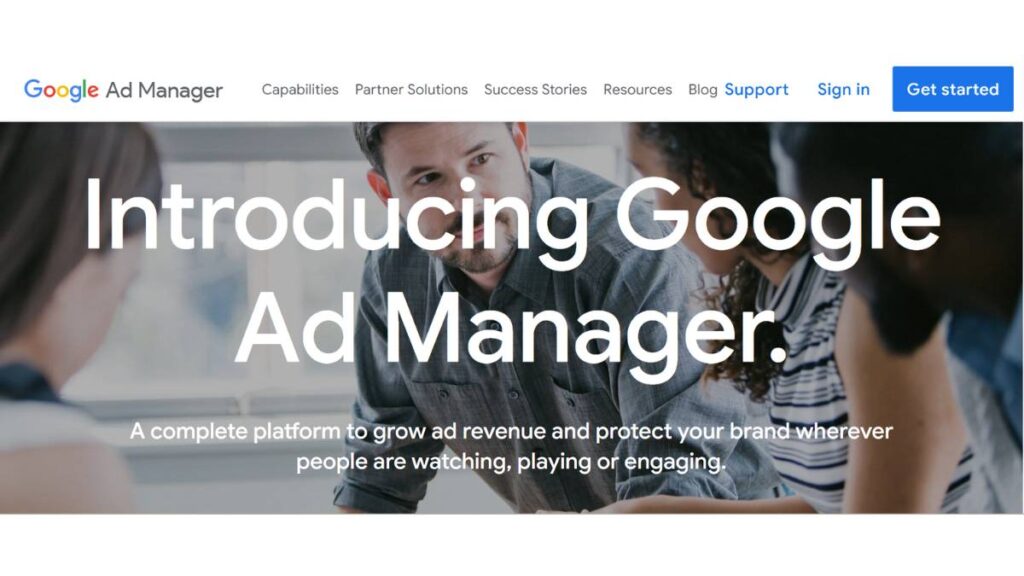
It’s sturdy, dependable, and frankly, a bit of a maze at first. The dashboards are dense, and the settings can feel like too much. But once you learn the ropes, it’s hard to beat for managing inventory, scheduling ads, and keeping campaigns organized. The reporting is decent if you actually dig into it, and integration with Ad Exchange makes scaling easier.
Adobe Advertising Cloud – Unified Display Campaign Management
This one tries to do everything, and mostly it succeeds. Campaign planning, automated bidding, analytics; it’s all there. But it’s not intuitive, so there’s a learning curve. Teams new to Adobe might grumble at first, but if you stick with it, you end up with something that can manage big, multi-channel campaigns without going crazy.
The Trade Desk – Advanced Programmatic Buying Platform
The power here is precision. You can micro-target audiences, set detailed KPIs, and actually see performance almost in real time. Not a beginner-friendly tool, but if campaigns need fine-tuned control and the team has data chops, it’s excellent. Just don’t expect it to handhold.
MediaMath – Data‑Driven DSP
MediaMath is for those who really care about connecting first-party data with campaigns. The interface can be overwhelming at first; lots of dashboards, lots of metrics, but the targeting options are strong. Works well for testing audiences or optimizing across channels.
Basis by Centro – All-in-One Programmatic Solution
If simplicity matters, Basis is nice. It’s less overwhelming than The Trade Desk, still gives you analytics and automation, and works across multiple channels. It’s a good pick if the team is small or can’t dedicate a specialist to each platform.
Social and Specialty Display Advertising Tools
Sometimes the “web” isn’t enough; social networks are where a lot of the eyeballs are, and they have targeting power traditional display can’t match.
Meta for Business – Facebook & Instagram Display Ads
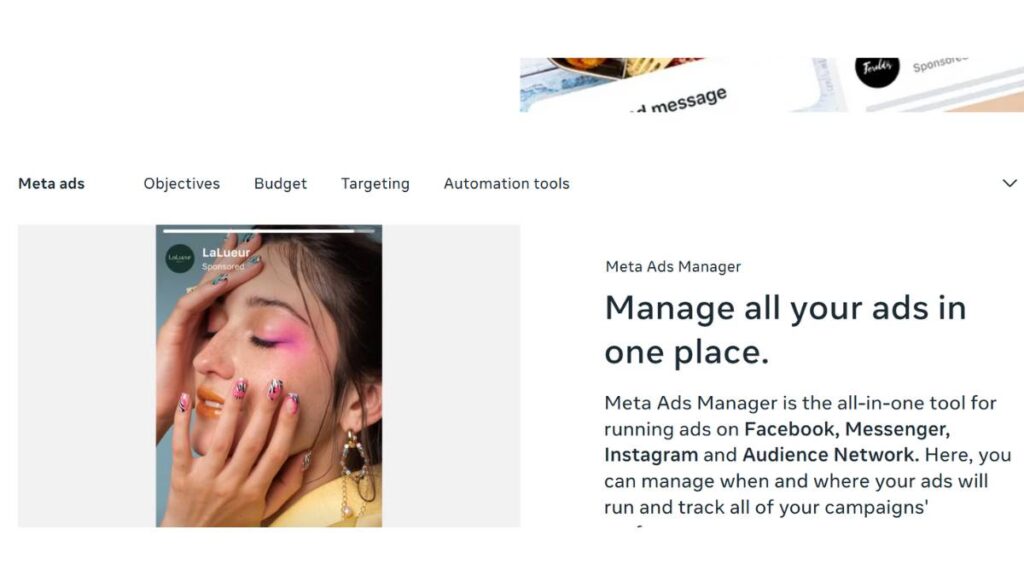
The targeting is ridiculously granular: demographics, interests, even behavior. Costs can spike if frequency isn’t managed, though. Carousels, video, dynamic ads; they all work if the creatives are good. One thing to note: social users scroll fast, so grab attention early.
LinkedIn Marketing Solutions – B2B Display Advertising
LinkedIn is expensive, but if your campaigns are B2B, it’s often worth it. You can target by company, job title, or seniority; it’s almost surgical. Generic creative gets ignored here, so don’t cut corners.
Twitter Ads – Real-Time Display Engagement
Twitter ads aren’t for everyone, but they’re good for fast-moving campaigns, announcements, or trending topics. Low-cost, visible, and quick to adjust. They shine when timing matters more than mass reach.
Creative & Rich Media Tools
Even the best targeting fails if your creative is flat. These tools make creating, testing, and scaling creatives less painful.
AdCreative.ai – AI-Powered Ad Creative Generator
Don’t get caught thinking it’s some magic bullet. It’s fast and helps produce multiple variations quickly, which is great when running dozens of campaigns. Quality can feel a bit “template-y,” so usually it’s a starting point rather than the final creative.
Bannerflow – Creative Management Platform (CMP)
No-code banner and HTML5 creation are useful. The platform also lets you manage multiple versions and test them. It’s a good middle ground for teams who want creative flexibility without constantly waiting on a designer.
Publisher & Inventory Tools
Placement matters. These tools give control over where ads show and how inventory is managed.
OpenX – Enterprise Ad Server & Inventory Management
Great for publishers or teams managing multiple campaigns. Allows granular geo-targeting, scheduling, and reporting. Can feel technical at first, but the control is worth it if you’re serious about placement.
Verizon Media Ad Platform – SSP & Display Marketplace
A solid option for buying and selling inventory across networks. It’s reliable, though not flashy. Best if you’re juggling multiple sources of inventory.
Sharethrough – Human-Centric Omnichannel SSP
Focuses on premium inventory and real-time bidding. Works well when brand safety matters and you want curated placements. Slightly niche, but useful if quality is more important than quantity.
Performance & Retargeting Tools
These tools are about turning interest into conversions. They help catch visitors before they drift away and keep them engaged.
Criteo Commerce Growth – Retargeting & Personalization
If e-commerce is part of your business, this is almost essential. Retargets visitors with product-specific ads. Works best when there’s enough traffic to justify it. The automation takes a lot off your plate, but strategy still matters.
RollWorks – Account-Based Display Advertising Platform
A B2B favorite. Connects campaigns to CRM data, allowing precise account-based targeting. Helps tie display efforts directly to sales outcomes. Very handy when campaigns need to be measurable and not just about clicks.
At the end of the day, the “best” tool depends on your team, your traffic, and your goals. Some platforms are deep and complex, some are simpler but very practical. What matters most is knowing what you actually need before jumping in, and not letting dashboards collect dust.

Enroll Now: Advanced Digital Marketing Course
Bonus Display Advertising Tools Worth Exploring
After the heavy-duty platforms, there are always a few smaller tools that quietly make a difference. Nothing flashy, nothing that will “blow your mind,” but the kind you notice when campaigns run smoother.
Canva & Adobe Express
These are lifesavers when a designer isn’t available or when you need something fast. Not for complex campaigns, but for banners, simple social ads, or quick tests, they’re fine. Just remember, they can’t replace a solid brand designer, so don’t expect perfection. Sometimes a simple, well-placed banner does more than a flashy but messy one anyway.
Google Analytics + ad platform reports
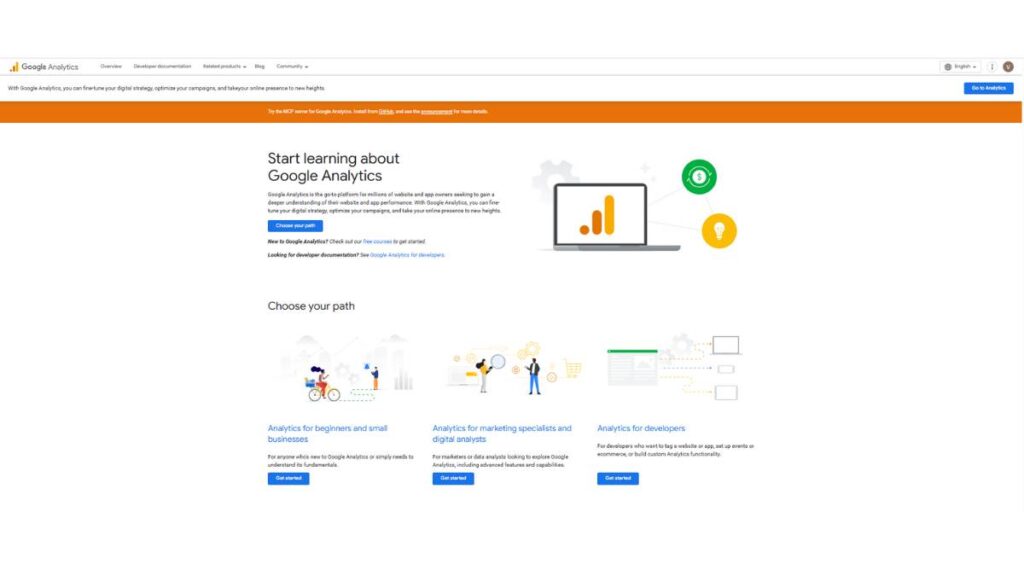
Seems obvious, but many campaigns still run blind. Clicks aren’t enough. The real value is seeing what happens after someone clicks; do they engage, bounce, or convert? Connecting these dots can save a lot of wasted spend and reveal tiny insights that change campaign direction.
Automation helpers: Optmyzr, AdEspresso
These aren’t glamorous, but they handle repetitive stuff like bid adjustments, small A/B tests, or multi-campaign management. They don’t strategize for you, but they stop you from drowning in spreadsheets and dashboards.
In short, these tools don’t replace strategy. They’re the helpers that let you focus on the stuff that actually moves the needle.
Best Practices for Using Display Advertising Tools Effectively
Having tools is one thing. Using them well; that’s a different ballgame.
Match tools to your goal
Don’t pick a complicated programmatic platform just to run a small awareness push. Too many features can overwhelm and slow you down. Use the right tool for the task.
Test everything
Headlines, images, colors, layouts. Even small changes can make a surprisingly big difference. Tools make testing easier, but you still need to watch the results and act.
Mind frequency & audience
Hitting the same person too often? Waste of money. Rotate creatives, segment carefully, and don’t overdo it. Subtlety is often more effective than blasting people.
Use first-party data where possible
Cookies are fading. If you have CRM lists, newsletter subscribers, or past buyers, leverage them. Targeting without first-party data now risks wasted impressions and poor performance.
Look at numbers, but think
Dashboards are nice, but they don’t think for you. Interpretation and judgment matter. Sometimes, a tiny insight applied at the right moment beats a whole fancy report.
Display Advertising Tools: Trends to Watch
The landscape isn’t static. Some shifts are subtle, some unavoidable. Knowing them matters more than following every shiny new tool.
Dynamic creative & optimization
Tools can swap ads, adjust bids, and optimize automatically. Great for scale, but still needs human oversight. Machines can’t decide tone, context, or strategy yet.
Privacy-first & cookieless targeting
With cookies disappearing, you need tools that can target using contextual data or first-party signals. Ignore it at your peril; your campaigns will lose precision fast.
Cross-channel dashboards
Seeing display, social, video, and email performance together saves headaches. Makes it easier to spot what’s working, what’s not, and where to double down.
Programmatic beyond the web
DOOH (digital out-of-home) and CTV (connected TV) are growing fast. Buying these programmatically makes campaigns more integrated and modern. Platforms that can handle this will become essential, not optional.
At the end of the day, tools evolve, but human judgment still rules. The campaigns that succeed are the ones where someone is paying attention, making decisions, and not just letting dashboards run things.
Conclusion
At the end of the day, tools don’t make campaigns successful on their own. They’re just… helpers. The real work comes from knowing your audience, spotting what’s working, and making adjustments along the way. Too many people buy the fanciest platform, thinking it’ll solve everything. Usually, it just adds more dashboards to check and more settings to fiddle with.
Some practical pointers:
- Pick tools for your needs. Don’t use a full-blown programmatic DSP for a small local campaign. Makes life harder, not easier.
- Start small. Nail a simple stack first. Once it’s running smoothly, layer in more advanced tools.
- Keep measuring. Numbers aren’t decoration; they’re guidance. Check CTR, conversions, frequency. Watch trends, not just individual days.
- Adjust constantly. Campaigns aren’t set-and-forget. Even small tweaks can make a big difference.
Basically, the campaigns that actually work are the ones where someone is paying attention. Tools just make it faster, smoother, and less painful. The right stack? It feels almost invisible because it lets your strategy shine, not your dashboards.
FAQs: About Display Advertising Tools
1. What exactly are display advertising tools?
Software or platforms that help with planning, creating, running, and measuring ads. They can handle targeting, bidding, creative production, analytics; some do more, some do less. The key is they let you run campaigns without juggling spreadsheets and post-its.
2. How do these tools boost ROI?
By helping target the right people, run tests, automate repetitive stuff, and see what’s working (and what isn’t) quickly. They don’t magically create sales, but they keep spending from going down the drain.
3. What’s good for beginners?
Simple platforms like Google Ad Manager for campaign setup or Canva for creatives. Easy dashboards, minimal friction. Enough to get started without feeling lost.
4. DSP vs. ad server; what’s the difference?
DSPs buy ad inventory programmatically; ad servers deliver the ads and track performance. One buys, one serves. Both are useful, but don’t confuse them.
5. Are there tools that “do AI” things?
Yeah, some can suggest creatives, optimize bids, or swap ads dynamically. Handy, but don’t let them run campaigns on autopilot. They need human guidance.
6. How much do these tools cost?
Ranges are wild. Free or cheap for creative or analytics tools; DSPs and enterprise platforms can get pricey fast. The trick is matching cost to value. Spending more doesn’t always mean better results.
7. Can small businesses get value?
Definitely. They just need to pick a few simple, cost-effective tools and focus on the campaigns that matter. Even a tiny stack can punch above its weight.
8. How to know if it’s working?
CTR, CPM, CPA, conversions; yes, check the usual metrics. But watch patterns, not individual clicks. Look for what moves people toward action, not just eyeballs.
9. Any free tools worth it?
Yes. Canva, some analytics dashboards, or basic programmatic helpers. Limitations exist, but they’re fine for experiments, testing, or low-budget campaigns.
10. How to tie these tools into other marketing channels?
Integrate. Social, email, CRM, analytics; they all feed into each other. Without integration, campaigns feel disconnected, and you miss chances to reach people effectively.