

This guide explores practical Canva alternatives for individuals and teams who’ve outgrown template-only design workflows. It breaks down why many marketers, creators, and businesses start looking beyond Canva, from rising costs and collaboration friction to the need for deeper editing control. The blog compares 10 strong alternatives, explaining where each tool fits best, whether it’s social media, presentations, infographics, or photo editing. It also covers how to choose the right tool based on real workflow needs, not just features. Instead of pushing a single replacement, the guide helps readers understand which platforms remove bottlenecks, improve creative flexibility, and support growing design demands more effectively over time.
Table of Contents
Introduction
Looking for alternatives to Canva usually doesn’t start as a random experiment. It tends to happen after using it for a while. At first, everything feels smooth; templates are easy, designs come together quickly, and it removes a lot of friction. But over time, certain gaps begin to show. Not huge problems. Just small things that slow teams down, or make workflows feel a bit… constrained.
The expectations from design tools have shifted. Design is no longer just about making a quick Instagram post and moving on. It sits at the center of marketing, sales, internal communication, and even product workflows. And when design becomes part of daily operations, the limitations of a single tool become easier to notice.
A few reasons keep coming up when teams start exploring beyond Canva:
1. Subscription creep and feature lock-ins
The free version works well for basic needs, no argument there. But once a team starts scaling, multiple users, brand kits, resizing across formats, exporting in different file types, the paid tiers become unavoidable. And costs don’t rise dramatically all at once. They increase gradually, feature by feature. That’s usually when teams pause and reconsider what they’re actually getting for the price.
2. Expanding design responsibilities
Modern marketing teams don’t just produce social creatives. They build pitch decks, lead magnets, reports, ad variations, landing visuals, and sometimes even lightweight UI mockups. Canva handles many of these, but not always with the flexibility or precision needed. Especially when designs move beyond templates and require more control.
3. Collaboration that looks simple, but isn’t always efficient
On paper, Canva supports team collaboration. In practice, workflows can get messy. Version confusion, duplicated designs, inconsistent brand usage; these things creep in quietly. And when multiple stakeholders are involved, even small inefficiencies add up fast. What seemed convenient at the start can become slightly chaotic later.
4. The need for deeper control and customization
Templates are great. Until everyone starts using the same ones. Brands eventually want designs that feel distinct, not recognizable as “another Canva layout.” That’s when flexibility, component systems, and advanced editing start to matter more than sheer template volume.
At that point, the question changes. It’s no longer about whether Canva works. It clearly does. The real question becomes whether it’s still the best fit for the current stage of growth, team size, and creative demands.
That’s where exploring alternatives stops being optional and starts becoming practical.
How to Choose the Best Canva Alternatives
Picking a Canva alternative isn’t just about cheaper pricing or a slightly different look. It’s about matching the tool to your actual workflow, and trust me, that can be trickier than it sounds. Here are some practical things to consider:
- Pricing & free plans – Some tools let you do a surprising amount without paying; others are almost useless without a subscription. Think about how much you’ll really use it before committing.
- Ease of use vs. power – Some platforms are dead simple but feel a bit shallow. Others pack a punch with advanced editing features but take a little time to learn. There’s a sweet spot somewhere in between for most teams.
- Templates and assets – Not all libraries are equal. Look for variety and flexibility. Stock images, icons, animations; these small things can save hours.
- Collaboration & team features – Shared folders, brand kits, and workflow tools are a lifesaver when more than one person is designing. Even a small team can get bogged down without them.
- AI design help and automation – Some tools offer smart suggestions, auto layouts, or image enhancements. When used right, these can speed up repetitive tasks a lot. But they’re only worth it if the AI feels helpful, not gimmicky.
- Match the tool to your use case – Social media, presentations, infographics, or advanced photo editing; different tools shine in different areas. Picking the right one isn’t about replacing Canva; it’s about improving how you actually work.
The key is to think beyond templates and colors. It’s about workflow, efficiency, and the little features that make designing less of a headache.
The 10 Best Canva Alternatives
Switching away from Canva isn’t really about chasing something new. Most teams reach that point after a stretch of real usage; campaigns piling up, brand guidelines getting stricter, deadlines tighter. And suddenly, the tool that worked perfectly in the early days starts feeling slightly boxed in. Not unusable. Just… not ideal anymore.
Different design tools solve different kinds of problems. Some are built for speed. Others care more about precision. A few are clearly designed for teams handling complex presentations or data-heavy reports. There isn’t one universal winner here. The better choice depends heavily on what fills the calendar every week: social media, client decks, ad creatives, internal docs, or all of the above.
Here’s a closer look at the tools that have been gaining real traction.
1. Adobe Express – Best Overall
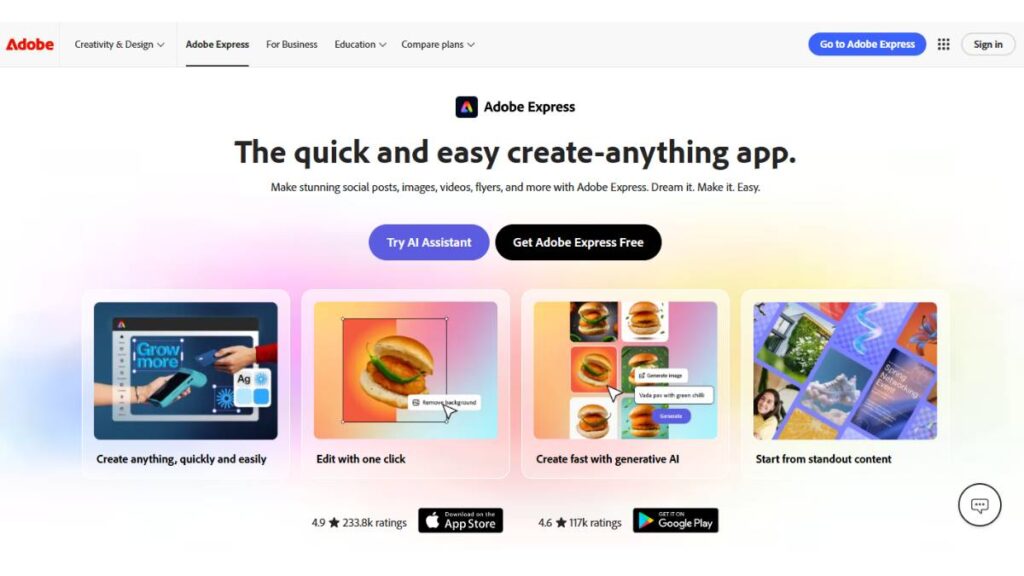
Adobe Express sits in an interesting spot. It carries the DNA of the larger Adobe ecosystem, but without the steep learning curve that comes with tools like Photoshop or Illustrator. That balance matters.
The editor feels familiar right away; drag, drop, adjust, export. But under the surface, there’s more depth. Brand kits sync cleanly. Typography feels more flexible. Asset quality is consistently strong. And when teams already use Creative Cloud, integration removes a lot of friction.
One thing that stands out is polish. Designs tend to look more refined, even without heavy tweaking. Export options are also more practical, especially when moving assets into other workflows.
The downside? Some features are buried. Not impossible to find, but not obvious either. And pricing scales up quickly for teams. Still, for marketers juggling multiple formats every week, this tool holds up well under pressure.
2. Visme – Best for Presentations & Infographics
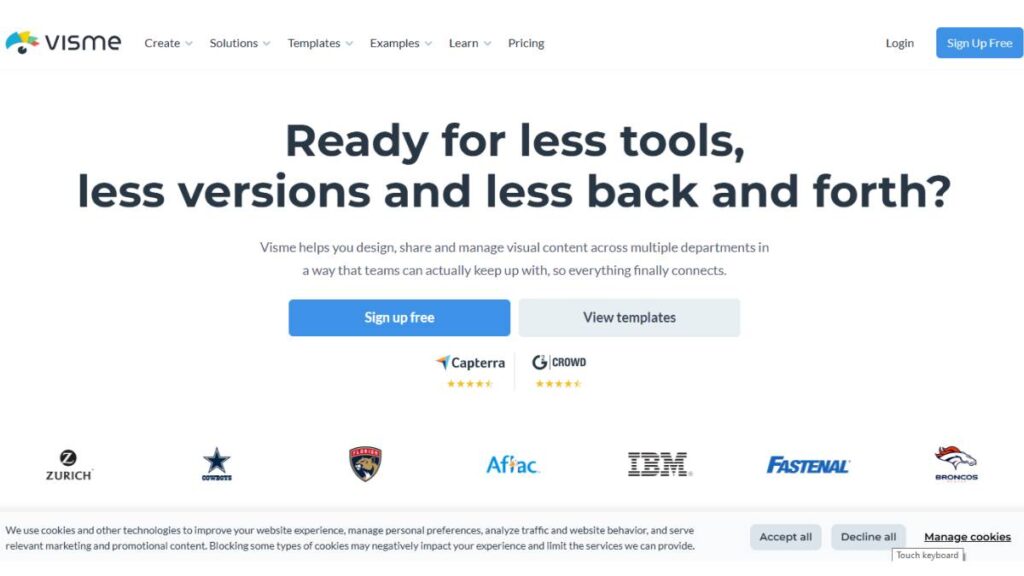
Visme feels built for people who deal with information more than decoration. It shines when numbers need context. Reports. Pitch decks. Strategy presentations. The kinds of assets where clarity matters more than visual flair.
Charts and infographics don’t feel like an afterthought here. They behave like core features. Interactive elements add another layer, especially useful for client presentations or embedded reports.
Templates aren’t always flashy. Some feel a bit corporate, honestly. But that’s not necessarily a drawback. They’re structured. Clean. Easy to adapt.
For teams presenting data regularly, Visme reduces the usual friction that comes with explaining complex ideas visually.
3. VistaCreate – Best for Social Media Content
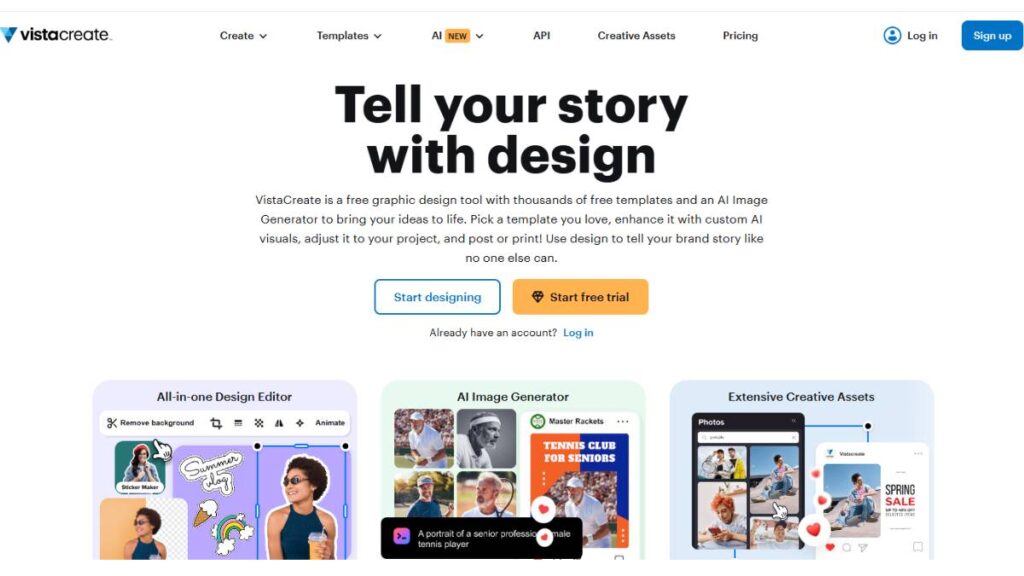
VistaCreate moves fast. That’s the biggest advantage.
When social calendars are packed, daily posts, story formats, ads, and quick announcements, speed becomes more important than endless customization. This is where VistaCreate fits naturally. Templates adapt easily. Resizing across platforms takes seconds. Animation options are surprisingly usable.
It doesn’t try to be everything. And that restraint helps. The focus stays on helping teams produce consistent social content without slowing down.
Freelancers and lean marketing teams tend to get comfortable with it quickly.
4. Fotor – Best for Photo-Heavy Workflows
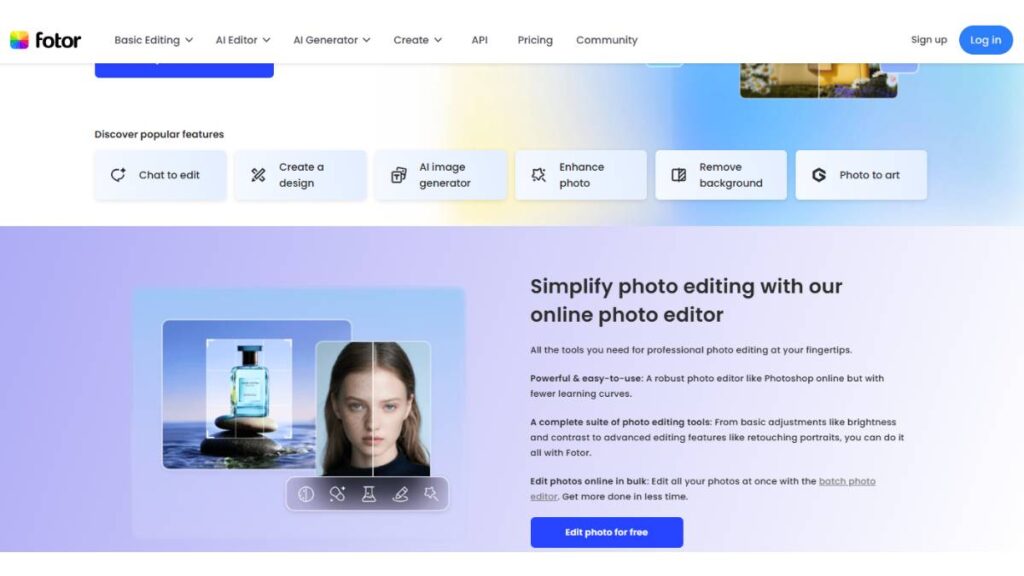
Fotor leans more toward image editing than layout design. And that’s a good thing.
Photo enhancement tools work reliably. Background removal is fast. Batch editing saves serious time when dealing with large image sets, especially useful for e-commerce or content-heavy campaigns.
It doesn’t overwhelm users with complexity. At the same time, it offers enough control to noticeably improve image quality.
For businesses where visuals carry most of the message, this balance is practical.
5. Snappa – Best for Quick Turnaround Graphics
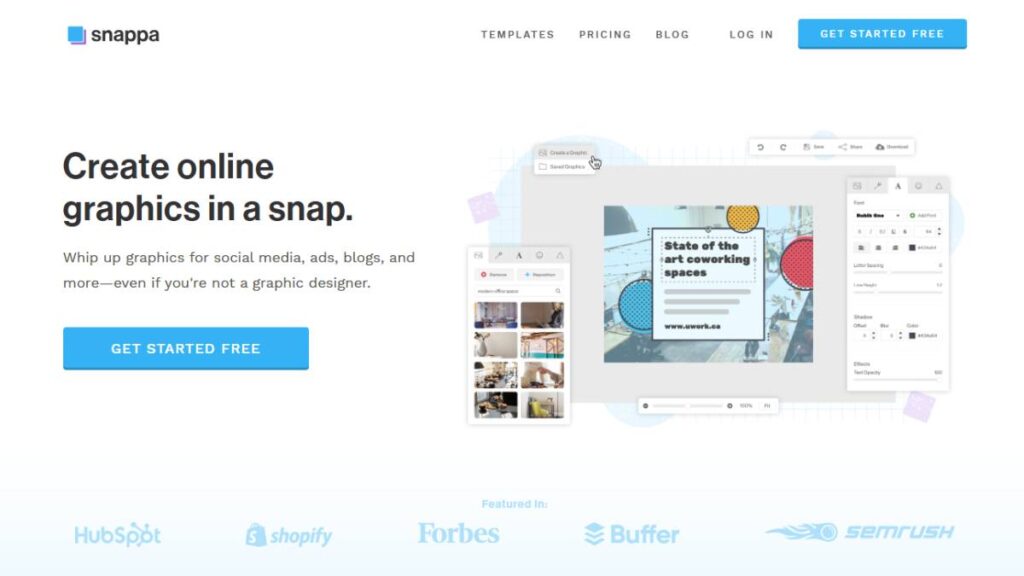
Snappa is built for urgency.
Ad creatives. Blog headers. Social banners. The types of visuals are needed quickly, sometimes multiple times a day. The editor stays simple. Templates are ready to use immediately. No unnecessary friction.
Customization options aren’t endless. But that’s intentional. The tool favors speed over perfection.
When turnaround time matters more than pixel-level precision, Snappa delivers consistently.
6. Pixlr – Best Browser-Based Photo Editor
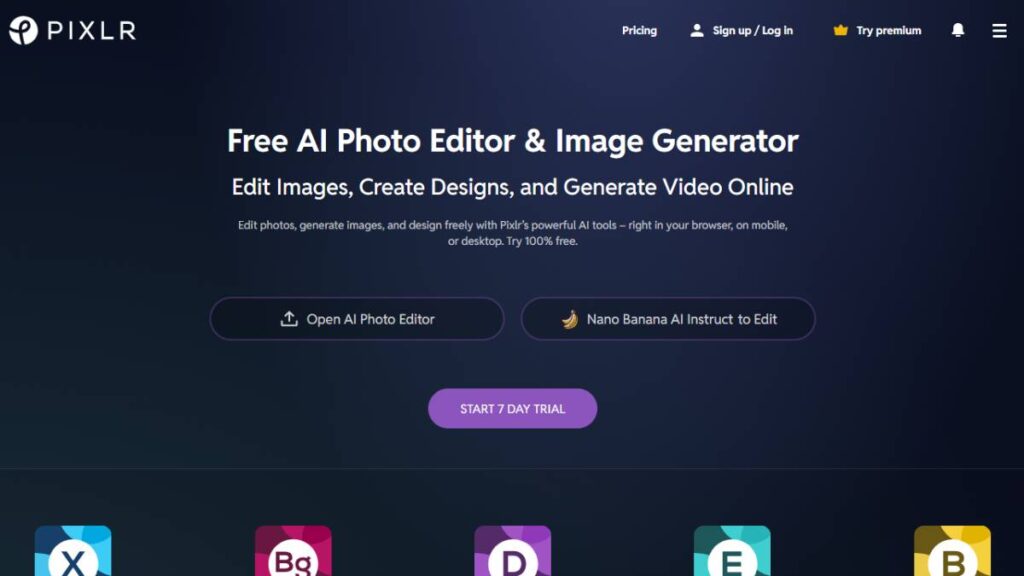
Pixlr feels closer to traditional editing software than most browser tools.
Layer controls, masking, blending, and features that normally require heavier software are available without installing anything. That flexibility makes it useful for marketers working with product images, ad creatives, or detailed visual adjustments.
It takes slightly longer to learn than template-driven tools. But once familiar, it offers noticeably more control.
Especially useful when visual quality directly impacts performance, like paid ads or product listings.
7. Piktochart – Best for Infographics & Visual Storytelling
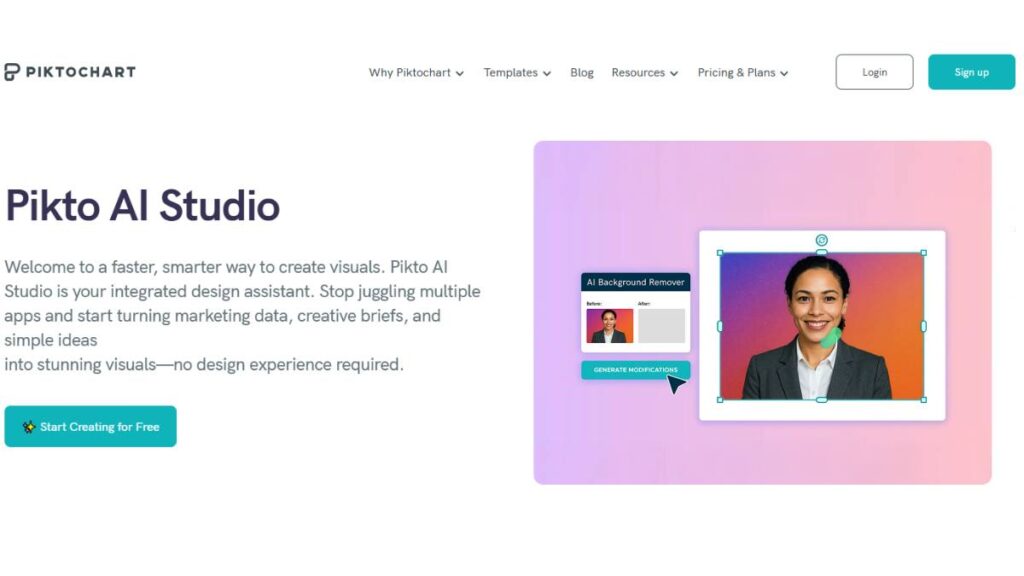
Piktochart focuses on structure. Not decoration.
Infographics, reports, timelines; anything designed to explain rather than impress. Layouts are organized logically. Charts integrate smoothly. Information flows naturally across the design.
Compared to general design tools, Piktochart reduces the effort required to turn raw data into something understandable.
Teams working with educational content, research, or strategy communication benefit the most here.
8. Easil – Best for Brand Consistency & Teams
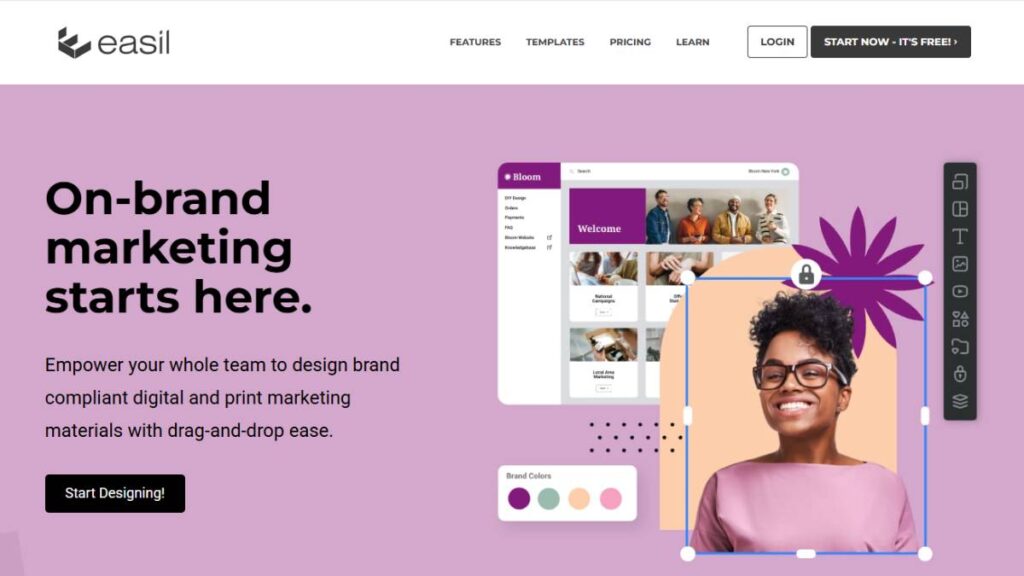
Easil doesn’t try to compete on flash. Its strength is control.
Brand kits lock key elements in place: fonts, colors, logos. This prevents accidental inconsistencies, which happen more often than teams expect. Approval workflows add another layer of structure.
For growing teams, especially those with multiple contributors, this reduces design chaos significantly.
It’s less about creating from scratch. More about maintaining order at scale.
9. PicMonkey – Best for Detailed Visual Editing
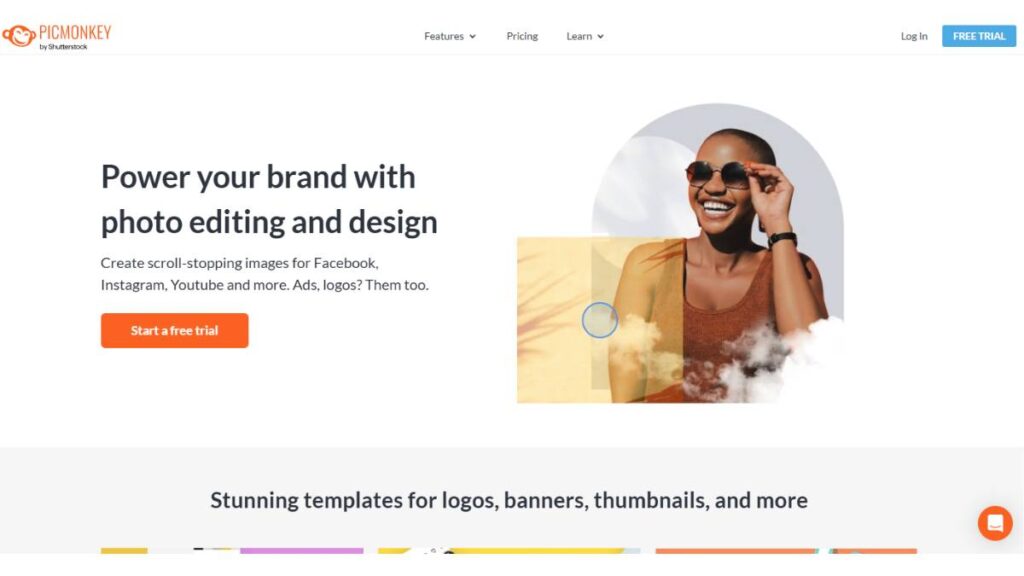
PicMonkey offers more creative control than most template-first tools.
Layer editing, retouching, and detailed adjustments make it useful for refining visuals beyond basic layouts. The interface remains approachable, which helps teams avoid the steep learning curve of professional-grade software.
It sits comfortably between beginner tools and advanced editors.
Creative teams that care about visual precision tend to appreciate that middle ground.
10. Molypix.ai – Best for Rapid AI-Assisted Design
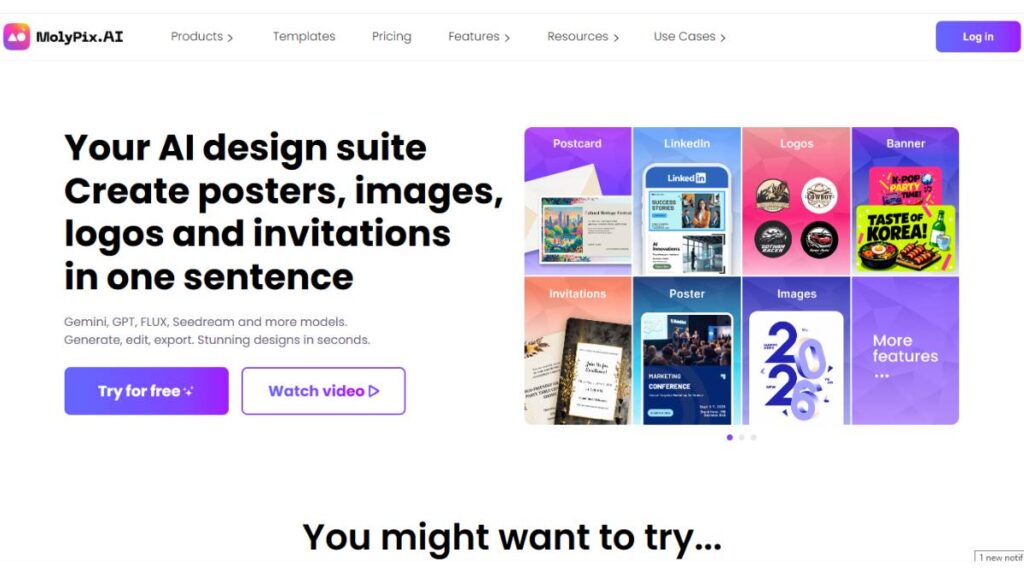
Molypix.ai approaches design differently. It focuses on acceleration.
Instead of browsing endless templates, users generate ideas quickly. Layout suggestions, image generation, and automated adjustments reduce the time spent starting from scratch.
It’s not perfect. Outputs still need refinement. But it shortens the early creative phase, which is often the slowest part.
For solo creators and fast-moving teams, that time savings adds up.
There’s no universal replacement for Canva. And honestly, there doesn’t need to be.
Some tools are better for volume. Others are better for precision. Some help maintain brand consistency across teams. Others help produce assets quickly when deadlines are tight.
The smartest approach isn’t replacing one tool blindly. It’s identifying where the current workflow slows down, and choosing a tool that removes that specific friction.
That’s usually where the real efficiency gains show up.

Enroll Now: Advanced Digital Marketing Course
Canva Alternatives by Use Case
Not every design tool works the same for every project. Picking one often depends on what you actually spend most of your time doing. Breaking it down by use case makes life a lot easier.
For Social Media Design
If social content is your bread and butter, you want something fast and flexible. VistaCreate and Snappa fit the bill. Templates are ready to go, resizing is simple, and even some animations are built in. The main idea here: spend less time fussing, more time posting. Speed matters more than bells and whistles.
For Business Presentations & Reports
Numbers, charts, and client-facing visuals need polish. Visme and Piktochart are solid for this. They make it easier to tell a story with data. Graphs, interactive charts, and infographic templates; they’re all there. Not the quickest for casual posts, but when you need professionalism, they’re worth it.
For Advanced Image Editing
Some projects live or die on visuals. If photos or high-quality graphics are central, Fotor, Pixlr, and PicMonkey give more control than Canva. Things like batch editing, background removal, and layers let you tweak details without pulling your hair out. This is especially useful for e-commerce, social campaigns, or projects where every image matters.
For Teams and Enterprise Use
Multiple people working on designs? Brand consistency becomes a headache fast. Adobe Express and Easil handle this better. Shared brand kits, workflow approvals, and collaborative editing keep everyone aligned. It’s not flashy, but it prevents chaos, and in a team, that’s priceless.
Canva Alternatives with AI Design Features
Some alternatives now offer AI-driven tools, but not in a gimmicky way. These features are about taking the grunt work off your plate. Think of them as helpers, not replacements for real design work.
- Fotor has tools that automatically enhance photos, remove backgrounds, and do batch edits. It’s great if you’re churning out a lot of images and don’t want to spend forever polishing each one.
- Pixlr offers similar smart tools: background removal, layout suggestions, and small AI-assisted fixes. You still make the creative calls, but it speeds things up.
- Molypix.ai is a bit different. It generates visuals from scratch, giving you a base to work with. Not perfect on its own, but useful when you need ideas fast or are juggling multiple campaigns.
The trick is knowing when to lean on AI and when to trust your own eye. Used well, it just smooths the workflow without taking away control.
Understanding Strengths and Limitations
It helps to think of each tool in terms of what it actually solves, rather than feature lists. Here’s a practical take:
- Adobe Express is versatile. Social graphics, marketing campaigns, light photo edits; it does it all. Teams love it, but the cost can add up.
- Visme and Piktochart are the choices for data-heavy work. Polished presentations and infographics come out faster than with Canva, but social posts aren’t their strong suit.
- VistaCreate and Snappa are speed demons. Quick posts, resizing, simple animations; you get results fast. They don’t offer the depth of some other tools, but that’s okay if speed matters.
- Fotor, Pixlr, PicMonkey;photo-heavy projects are their playground. Fotor is simple for batches, Pixlr gives flexibility, and PicMonkey balances editing and design. Best for when visuals really matter.
- Easil shines for teams. Brand kit enforcement and approval workflows keep everyone on track. If multiple people are designing, this one saves headaches.
- Molypix.ai is more of a shortcut. AI-generated assets can jumpstart ideas, but you’ll still refine and polish. Works best when deadlines are tight and inspiration is needed quickly.
The key takeaway: pick a tool that fits your workflow, not just because it’s popular. Speed, depth, collaboration, or specialized visuals; figure out which matters most, and that will make the difference.
Alternatives Beyond Templates
Templates are useful, sure. They get the job done fast, especially when deadlines are tight. But sometimes they feel a little… limiting. Not every project fits neatly into a ready-made layout. That’s where open-source or more advanced tools come in; they let you dig in, take control, and make something that really fits your vision.
Inkscape (Vector Graphics)
Good for logos, icons, illustrations; anything that needs to scale without looking blurry. It’s more technical than Canva, yes, and you’ll probably need to fiddle with the tools a bit, but the precision you get is worth it. You can shape every curve, tweak every corner. It’s the sort of tool that’s a bit slower to learn but gives a lot of freedom once you get the hang of it.
GIMP (Pixel Editing)
If you need pixel-perfect edits or detailed photo work, GIMP is the way to go. It’s like a lighter, free version of Photoshop. Layers, masks, retouching; everything is there, but you do have to invest a little time learning the ropes. For serious image work, it can handle what Canva just can’t.
When to Use Pro Tools vs Template-Based Tools
Templates win when speed is king: social posts, simple marketing graphics, quick drafts. But if precision, customization, or scalability matters, that’s when you break out the pro tools. Often, the best approach is a mix: start fast with templates, then refine in Inkscape or GIMP when you need to really polish the work.
Conclusion
Picking a Canva alternative isn’t about hopping on whatever’s trending. It’s about figuring out what actually works for the way you create. Speed, depth, collaboration, or specialized visuals; different tools shine in different areas. There’s no single “best” choice, just the one that fits your workflow.
Tools will keep evolving. AI features, smarter templates, faster team collaboration; they’ll all get better. But the goal stays the same: make visuals that communicate, look professional, and save time. The right alternative isn’t a clone of Canva. It’s the tool that lets you and your team work naturally, creatively, and without headaches.
FAQ: Canva Alternatives
1. Is there a free alternative to Canva?
Yes. VistaCreate, Snappa, and Pixlr let you do quite a bit without paying. Sure, some features or stock assets are locked behind a paywall, but for most day-to-day graphics, the free versions get you surprisingly far.
2. What’s better than Canva for presentations?
Visme and Piktochart. Both are built for telling a story with data. Charts, reports, and infographics; they make your numbers readable, and your slides look polished. Canva can handle simple decks, but these two take it up a notch.
3. Which tool has more templates than Canva?
Adobe Express, actually. It’s got a surprising amount of seasonal and campaign-specific templates. VistaCreate comes close, especially if you need social media or animated content.
4. Can I replace Canva for teams and branding?
Yes. Adobe Express and Easil shine in this area. Shared brand kits, workflow approvals, and collaborative editing keep everyone on the same page. It makes scaling projects across a team a lot less chaotic.
5. Which Canva alternative makes the most sense for beginners?
For someone just getting into design, the biggest hurdle isn’t creativity; it’s friction. Tools that feel confusing get abandoned quickly. VistaCreate and Adobe Express tend to avoid that problem. The layout feels predictable. Buttons are where they should be. Nothing feels buried three menus deep. That alone makes a difference. Within the first hour or so, most people can produce something usable, and that early win builds momentum.
6. Are there Canva alternatives that work completely inside the browser?
Yes, and honestly, that’s become the default now. Tools like Pixlr, Visme, VistaCreate, and Snappa run entirely in the browser. No installations, no version conflicts. That might sound minor, but when teams are switching devices, office desktops, personal laptops, and sometimes even temporary systems, not needing setup saves time and avoids technical distractions.
7. Which Canva alternative works better for full marketing teams, not just individuals?
Once a team grows beyond two or three people, different problems show up. Version mix-ups. Brand colors dare to shift slightly. Old assets are getting reused accidentally. Tools like Adobe Express and Easil handle this more cleanly. Brand kits stay locked. Shared folders stay organized. It doesn’t feel dramatic while using it, but over weeks and months, the workflow stays calmer. Less cleanup later.
8. What’s the best alternative when ad creatives need to be produced fast, sometimes the same day?
Speed matters more than perfection in those situations. Snappa and VistaCreate were clearly designed with that reality in mind. Templates don’t fight back. Resizing doesn’t break layouts. You can duplicate, tweak, export, and move on. That pace is important, especially when campaigns are being tested or adjusted mid-flight.
9. Are there better options than Canva when photo quality really matters?
Yes. Canva is fine for general use, but tools like Pixlr, Fotor, and PicMonkey give more control where it counts. Edges look cleaner. Adjustments feel more precise. It’s easier to fix lighting, refine backgrounds, or make product images look sharp. Those small details influence how professional the final result feels.
10. Can these alternatives maintain brand consistency across a team?
Most of the better ones can. Adobe Express, Easil, and Visme all allow teams to save brand colors, fonts, and logos in a structured way. That prevents accidental inconsistencies. Without those controls, different versions of the same brand start appearing everywhere. It happens slowly. Then suddenly, nothing matches.
11. Which Canva alternative fits freelancers or solo creators best?
Freelancers usually need flexibility more than structure. VistaCreate, Pixlr, and PicMonkey tend to fit well. They’re capable without feeling heavy. You don’t have to manage team permissions or complex workflows. Just open the tool, create what’s needed, export, and move on.
12. Are these tools actually usable for people without design training?
Yes, and that’s intentional. Most modern design tools assume the user isn’t a trained designer. Templates provide structure. Alignment tools quietly fix spacing issues. Drag-and-drop editors remove technical barriers. The result isn’t perfect every time, but it’s more than good enough for most marketing needs.
13. Which alternatives work best for infographics and presentation-style visuals?
Piktochart and Visme are especially good here. They’re built around explaining information clearly. Charts behave properly. Layouts guide attention naturally. It doesn’t feel like forcing data into a template. It feels like the tool was built for that exact purpose.
14. Is it smarter to fully switch away from Canva or use it alongside other tools?
Most teams don’t fully replace it. They expand beyond it. Canva might still handle quick social graphics. Pixlr might handle detailed image cleanup. Visme might handle presentations. Each tool fills a gap. Trying to force everything into one platform usually slows things down more than it helps.