
Cart abandonment software plays a bigger role in online sales than most stores expect at first. This guide breaks down why shoppers leave mid-checkout, what those drop-offs usually reveal, and how businesses can bring people back without sounding desperate or pushy. It looks at practical features, real-world recovery tactics, and the difference between a helpful reminder and pure noise. There’s also a look at common tools, real examples, and mistakes that quietly hurt results. The main thread throughout is simple: better timing, smarter personalization, and steady testing usually beat flashy tricks or constant discounting.
Table of Contents
Introduction
Cart abandonment is one of those things every online store battles quietly. Someone fills a cart, browses a little more, and then disappears. Happens all the time. Cart abandonment software is the tool that notices this and nudges shoppers back. That’s it in a nutshell, but the effect can be surprisingly big.
Seventy percent of online carts don’t get completed. Seventy. That’s not a small leak; that’s almost your entire basket slipping away. Even recovering a fraction of that can make a noticeable dent in revenue. But it’s not just about sales. Done right, this kind of software can also highlight where the process is frustrating people or where the checkout flow is tripping them up. It’s like having a magnifying glass on your funnel, showing you what’s going wrong.
And yes, timing matters. A message sent too late might never get noticed. Too early, and it feels pushy. The best tools help you find that sweet spot.
Understanding Cart Abandonment in eCommerce
What is Shopping Cart Abandonment?
Basically, it’s when a shopper adds stuff to their cart but never completes the purchase. Simple enough. But the journey there is messy. A person might add a couple of items, start the checkout, and then…poof; they’re gone. Could be a distraction, could be second thoughts, could be frustration.
Some moments are more likely to cause abandonment than others. Extra charges pop up unexpectedly? Goodbye. Checkout feels too long or confusing? See you later. Pages take forever to load on mobile? That’s it; they’re gone. Understanding these points is important because it tells you where to focus recovery efforts.
Main Causes of Abandoned Carts
Price isn’t the only reason people leave. It’s almost never just that. Hidden fees, complicated forms, mandatory account creation, and slow sites all chip away at conversions. Even a tiny friction point can make someone exit.
Sometimes it’s a mix of small annoyances adding up. A shopper might hesitate, notice shipping costs, get frustrated with a form, and just…leave. Figuring out these causes is crucial. Otherwise, any recovery effort will feel like throwing spaghetti at the wall.
Cart Abandonment Metrics Every Store Should Track
Numbers tell the story. It’s not enough to know that carts are abandoned; you want to see how bad it is and whether your efforts are working. Track the abandonment rate, track recovery rate, and track conversion from recovery messages.
Those numbers show you where the leaks are. They also guide decisions: which messages to tweak, which timing works best, and which parts of the checkout need smoothing out.
What Is Cart Abandonment Software & How It Works
Definition of Cart Abandonment Software
At its core, this software just notices when someone leaves items behind and triggers something to bring them back. Could be an email, a text, maybe a pop-up if they’re still on the site. Nothing magical, but the timing and relevance matter a lot.
It’s about nudging, not pestering. The goal is to remind, encourage, or offer a small incentive in a way that feels natural. When it works, it can turn lost sales into recovered revenue without the shopper feeling annoyed.
Core Functions of Cart Abandonment Software
Good tools do more than just send a single email. They track carts in real time, send reminders through multiple channels, and sometimes even trigger messages based on very specific actions, like leaving the checkout page without completing it. Some integrate ads to follow shoppers around online or provide personalized discounts.
Analytics is where the real insight comes in. You can see which messages are working, which aren’t, and get an idea of why people leave in the first place. Without it, any recovery strategy is mostly guesswork.
Benefits for eCommerce Businesses
The obvious benefit is recovering lost sales. But there’s more than that. Over time, these tools teach you about shopper behavior, highlight friction in the checkout flow, and help improve the overall experience. Thoughtful recovery strategies can even make your store feel more reliable. Done right, cart abandonment software isn’t just about chasing missed sales; it can actually make the shopping experience better for everyone.
Features to Look for in Cart Abandonment Software
Essential Features
At the bare minimum, the software has to catch carts as they’re abandoned. If it misses that, nothing else really matters. Email reminders, obviously, and SMS too, because some people respond to one but not the other. Personalization is huge. Nobody wants a generic “Your cart is waiting” email. That’s the kind of thing people delete instantly.
Multi-channel reminders are nice, but don’t go overboard. A couple of touches in the right places usually work better than ten random messages. And analytics, don’t even think about skipping that. Without it, you’re flying blind. You need to know what’s working, what’s failing, and yes, even the ugly numbers.
Advanced Features for Best Results
Some tools go a step further. Timing optimization, cross-device recovery, behavior-triggered nudges; these sound fancy, but they actually make a difference. Retargeting ads, tiny incentives like free shipping or small discounts… subtle, but effective. The key is not to throw all of it at once. Overdoing it makes shoppers feel pressured, which is the last thing you want.
The magic is in using these features thoughtfully. Send the right message, at the right time, on the right device. A little tweak here, a small nudge there, and suddenly carts that would’ve disappeared start converting. It’s not rocket science, but it does take a bit of patience and observation.
Top 15 Best Cart Abandonment Software Solutions
Picking the right cart abandonment software isn’t just about features or flashy dashboards. It’s about what actually works for your store and how your customers behave. Some tools are simple and get the basics right; others are more like Swiss army knives; you can track, segment, and follow up across multiple channels. And yes, the results can vary depending on how much time you put into it, and how well you understand your audience.
Here’s a closer look at 15 of the most effective tools right now, grouped by type.
Best All-Purpose Cart Abandonment Tools
1. Omnisend
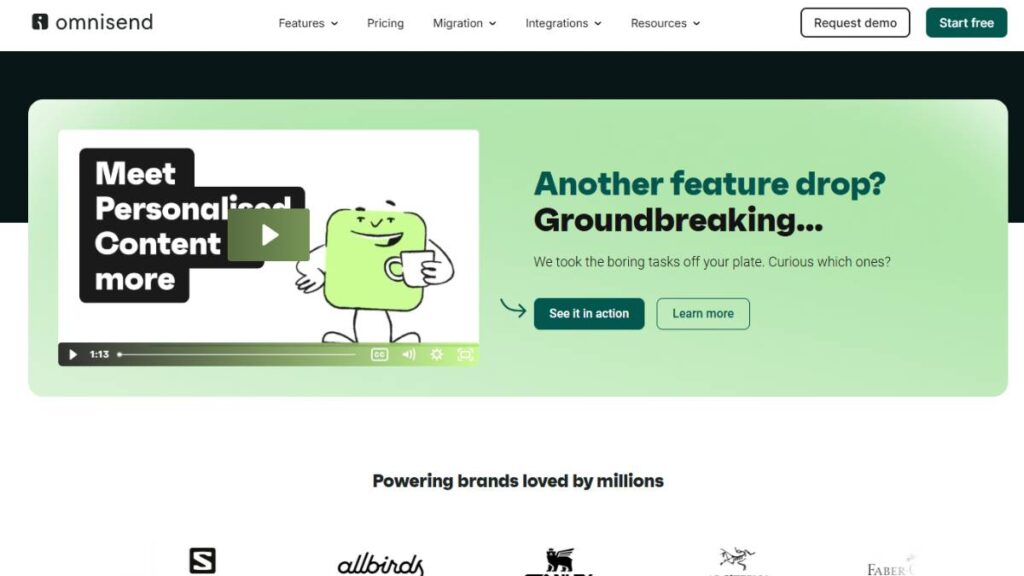
Omnisend is like a solid workhorse. Handles emails, SMS, and push notifications without making things complicated. The automation is easy enough to get started with, but still flexible if you want to segment by behavior. Its reporting is straightforward; shows which carts came back and which didn’t. Not flashy, but reliable.
2. Klaviyo
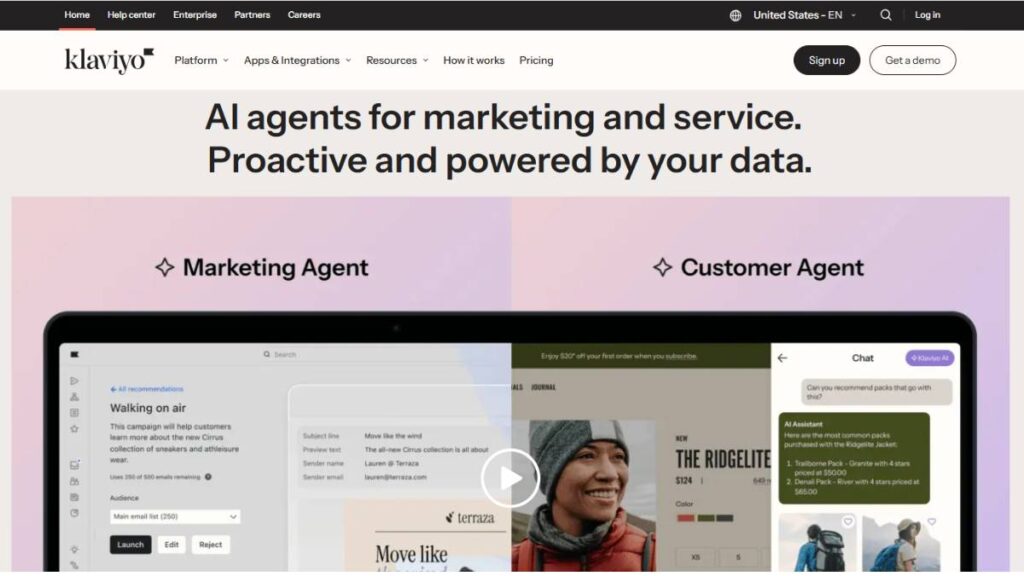
Klaviyo feels a little more serious; good for stores that want data. You can track shopping behavior closely and make emails feel tailored. One neat trick is adding product recommendations right into the abandoned cart emails. It doesn’t feel pushy if done well. The downside? It takes some learning to set up properly.
3. ActiveCampaign
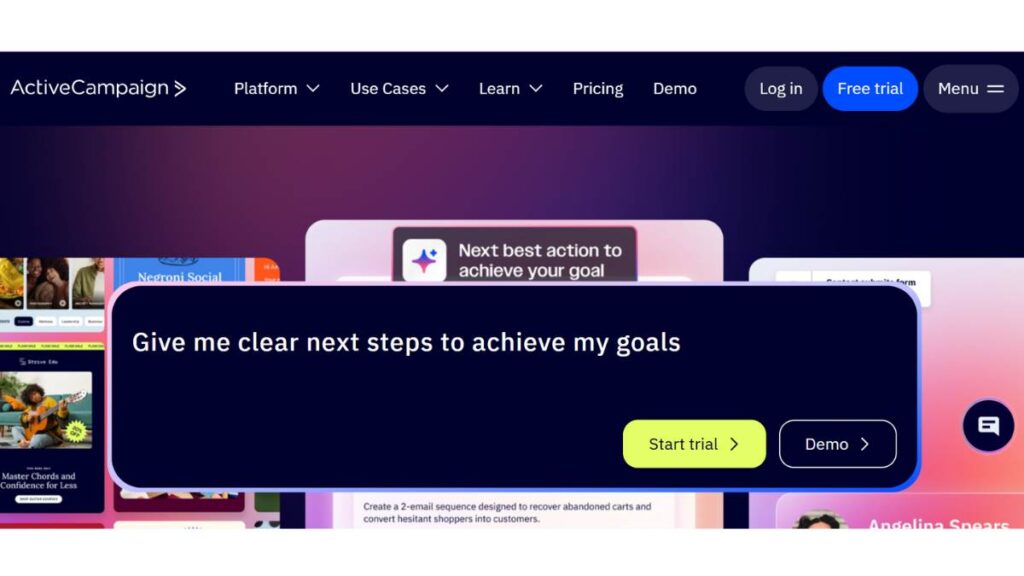
ActiveCampaign is deeper. It’s a CRM plus automation, so you can connect abandoned cart reminders with broader marketing flows. You can trigger messages based on very specific behaviors, which is powerful if your store has repeat customers or more complex checkout patterns. Not beginner-friendly, but flexible.
4. GetResponse
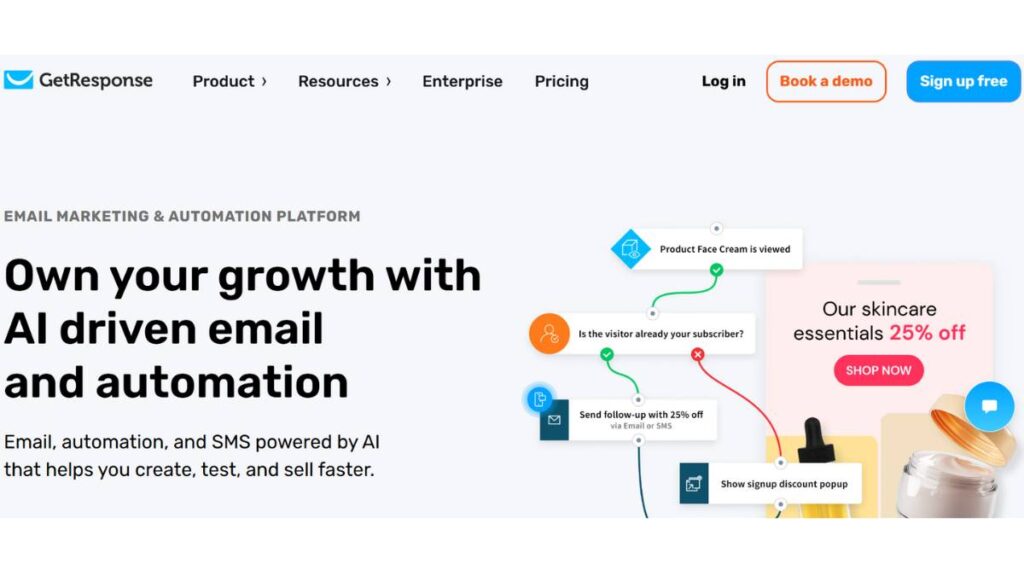
GetResponse is somewhere in the middle; easy to set up, but it offers useful analytics. Funnel tracking shows where customers drop off, and abandoned cart emails are simple to design and personalize. Works well if you don’t want to get buried in options.
5. Mailchimp

Mailchimp has been around forever, and the abandoned cart workflows are straightforward. Pre-built templates get you going fast, and integrations cover most eCommerce platforms. It’s reliable, does the job, and doesn’t overcomplicate things. Perfect if you’re starting out or just testing recovery campaigns.
Multi-Channel & Engagement-Focused Solutions
6. CartStack
CartStack does email, SMS, and push notifications. Simple setup, tracks carts in real time, and reaches shoppers while the cart is still fresh. It’s not fancy, but it works. Sometimes, simple is better.
7. Justuno
Justuno is about catching people before they leave. Exit-intent popups are the main tool here. You can add behavioral targeting to make it smarter. Works best if your checkout has tricky spots or people leave without completing.
8. Privy
Privy is easy to use and visual. Popups, banners, cart reminders; they’re all quick to implement. If your shoppers are the kind who act on impulse, this can grab attention before they click away.
9. PushEngage
PushEngage is all push notifications. Subtle, quick, and effective. Works well if your audience uses multiple devices. Not everyone likes email clutter, so this is a nice alternative.
10. ConvertFlow
ConvertFlow is more hands-on. You can create funnels that change based on what a shopper actually does on your site. It takes more setup, but the personalization is worth it, especially for stores with bigger catalogs or repeat customers.
Personalization & Email-Focused Platforms
11. Drip
Drip is strong on segmentation. You can track behavior and craft emails that feel personal rather than generic. Works well for stores that want thoughtful, behavior-based follow-ups.
12. MailerLite
MailerLite is straightforward, cheap, and gets the job done. Perfect for smaller shops or first-timers who don’t want to overthink setup.
13. SmartrMail
SmartrMail focuses on product recommendations. The abandoned cart emails feel natural, like a helpful reminder rather than a pushy sales message. Good for repeat shoppers.
14. SaleCycle
SaleCycle is for larger stores or more complex inventories. Behavioral remarketing emails are tailored to exactly what someone did on your site. Effective if you want more precision.
14. Barilliance
Barilliance combines triggered messages with analytics. You can see what works, test different approaches, and personalize offers. It’s ideal if your catalog is big or high-value and you want real insight into customer behavior.
Some of these tools are plug-and-play and will start recovering carts almost immediately. Others take more effort but let you experiment, learn about your audience, and optimize over time. Pick what matches your store size, customer behavior, and how hands-on you want to be. Done right, abandoned cart software doesn’t just save sales; it can actually make your checkout experience smoother and smarter.

Enroll Now: Advanced Digital Marketing Course
Best Practices for Effective Cart Abandonment Recovery
Getting people back to their carts is trickier than it sounds. It’s not about blasting messages. Timing, context, and a bit of finesse go a long way. Done poorly, it’s annoying. Done right, it just feels… helpful.
Timing Your Abandoned Cart Messages
Timing is a bit of an art. Too soon, and people think you’re watching them too closely. Too late, and the window is gone. Some stores do a three-step sequence that tends to work okay:
- First nudge within an hour. Keep it short. Friendly. Remind them what’s in their cart. No pressure.
- Follow up after a day. Social proof works here; something like “other shoppers are checking this out” or “stock is running low.” It nudges without yelling.
- Final message 2–3 days later. Sometimes, a small incentive like free shipping or a tiny discount. Enough to tip the fence-sitters.
Not every audience reacts the same, so it’s worth testing a few timings to see what clicks.
Personalization & Dynamic Content
People notice when a message feels like it came off a conveyor belt. Even simple touches, names, exact items left behind, and recommendations based on their cart make a difference. Dynamic content can help, like showing related products or reminders of what goes with what they’ve added. The goal is to make it feel intentional, not robotic.
Multi-Channel Sequences
Email alone often doesn’t cut it. SMS, push notifications, retargeting ads; these can help, but space them out. Some shoppers respond better to text alerts. Others ignore them and check their email. Mixing channels carefully usually works better than dumping everything at once.
Experimentation & Optimization
Recovery campaigns aren’t a “set it and forget it” thing. Watch open rates, clicks, and recovered carts. Try different subject lines, timing, or incentives. Little tweaks matter. Over time, they add up. And don’t be afraid to drop a flow that isn’t working; it’s better to cut losses than to keep sending messages that get ignored.
How to Choose the Right Cart Abandonment Software
Not all tools fit every store. Bigger isn’t always better. Some are simple and get the basics done. Others are overkill unless you have hundreds of SKUs or multiple customer segments.
Match Your Business Goals
A small shop with a handful of products may only need basic email reminders. A larger store? Multi-channel automation and segmentation become important. Think about what your store needs now and six months down the road.
Evaluate Integrations
Check that the software works with your platform: Shopify, WooCommerce, Magento, BigCommerce. If it can’t sync products, customers, and orders properly, it’ll just cause headaches.
Consider Scalability & Pricing
Free plans are tempting, but pay attention to how costs grow. Extra contacts, channels, or automation steps can sneak up on you. Pick something that scales with your store without surprises.
Look for Analytics & Smart Capabilities
Analytics are key. You need to see what’s actually working. Segmentation, behavioral triggers, and smart recommendations help, but only if you can make sense of the data. Otherwise, they’re just clutter.
Common Mistakes to Avoid in Cart Abandonment Strategy
There are a lot of ways to mess this up. One of the biggest? Overdoing it. Too many messages, too soon, and suddenly it’s annoying. People ignore it. They block notifications. They might even avoid the store next time. More isn’t better.
Generic emails are another trap. If the message doesn’t mention what’s actually in the cart, or worse, feels like a mass email, you’re wasting time. Even small touches, like showing the exact products or a tiny personalized line, make it feel intentional. It works.
And mobile. So many stores forget mobile. Half of the abandoned carts happen there. If your pop-ups or emails look weird, links don’t work, or pages load slowly, goodbye, sale. Smooth mobile experience isn’t optional.
Conclusion:
Cart abandonment software isn’t magic. It won’t pull people back who don’t want to buy. But it does turn a lot of lost carts into real sales. Timing, personalization, and multi-channel follow-ups are what actually work.
Small stores can start simple: emails only, maybe a push notification. Bigger stores? Layer in behavioral triggers, segmentation, and multi-channel flows. The key is paying attention. Watch what works, tweak what doesn’t. Tiny changes, like sending a reminder an hour earlier, showing a product image, can matter more than you think.
It’s not set-and-forget. Keep an eye, adjust, test. Thoughtful nudges beat spammy blasts every time.
FAQ: Cart Abandonment Software
1. What counts as an “abandoned cart”?
It’s when someone adds products but leaves without buying. Some stores count it after an hour, some after a day. Basically, if nothing happens for a while, that’s abandoned.
2. Does this software work for mobile?
Yes. Emails, push notifications, SMS; it all has to work on phones. Mobile abandonment is huge.
3. Can SMS replace email reminders?
Not really. SMS is great for quick nudges. Email still matters. Using both is usually the best way. Depends on your audience.
4. Is AI helpful in cart recovery workflows?
It can help with better timing, personalization, and product suggestions, but it’s not a requirement. Simple automated flows or even manual workflows still work if set up thoughtfully.
5. How much does cart abandonment software typically cost?
Varies a lot. Some cheap or free options exist for basic email-only flows. Multi-channel, high-volume platforms can get pricey fast. Costs usually scale with contacts, automation steps, and channels.
6. Which eCommerce platforms support cart abandonment software?
Most major ones: Shopify, WooCommerce, Magento, BigCommerce. Integration quality matters; sync issues are a headache.
7. Can cart abandonment software improve customer retention long-term?
Yes. Thoughtful, timely messages often turn recovered carts into repeat buyers. Builds trust. Encourages people to come back.
8. How often should workflows be updated?
Regularly. Behavior changes, products change, seasons change. Check campaigns every few months. Tweak timing, messaging, and incentives.
9. Can incentives hurt profit margins?
Depends. Small perks, free shipping, tiny discounts; usually pay for themselves. Overdoing it? People start waiting for discounts instead of buying normally.