
Managing Google Ads can get messy fast. That’s where Google Ads Management Softwares comes in. This blog walks through 15 of the most practical tools out there, showing which ones suit small businesses, agencies, e-commerce brands, or huge enterprise accounts. It’s not just a list; it digs into what makes a platform actually useful: dashboards that make sense, automation that saves time, and insights that don’t require a PhD to interpret. Along the way, it covers how to choose the right software, set up workflows that actually work, and answer common questions about getting campaigns running smoothly.
Table of Contents
Introduction to Google Ads Management Software
Running Google Ads today feels nothing like it did a few years ago. Campaigns don’t sit still anymore. Budgets move on their own, match types blur together, and performance can swing before the weekly review even happens. That’s where Google Ads management software earns its place; not as a “nice to have,” but as a working layer between strategy and execution.
At a basic level, these tools help manage campaigns. In reality, they do much more than that. They catch inefficiencies early. They surface patterns that aren’t obvious when staring at the Google Ads interface. And they help teams act faster, especially when accounts grow beyond a handful of campaigns.
Manual management starts to break down once scale enters the picture. Too many moving parts. Too many decisions that need to happen daily, sometimes hourly. Native Google Ads tools are powerful, but they’re built to serve the platform first. That’s not a criticism. It’s just reality. Advertisers, on the other hand, care about profitability, predictability, and control.
Good management software helps restore that balance. It brings clarity where things feel opaque. It creates a structure where automation can feel like guesswork. And over time, it saves more money than it costs; usually by preventing small leaks that quietly turn into big ones.
The shift toward automation and real-time optimization isn’t slowing down. If anything, it’s accelerating. The tools that succeed now are the ones that help advertisers stay grounded while everything else speeds up.
How Google’s AI Mode (SGE) & AI Overviews Affect Google Ads Software Rankings
Search results don’t behave the way they used to. Lists and shallow summaries aren’t enough anymore, especially when people are trying to understand software. Google’s AI Mode and AI Overviews are changing what gets surfaced, and why.
What tends to show up now is content that actually explains things. Not just what a tool claims to do, but where it fits, who it’s meant for, and how it’s different in practice. Ambiguity gets filtered out. Clear positioning doesn’t.
There’s also a noticeable preference for coverage over cleverness. Content that connects related ideas, such as PPC automation, budget control, and cross-channel reporting, feels more trustworthy than content that obsessively repeats one phrase. That broader understanding signals real subject knowledge, not surface familiarity.
Another shift worth noting: intent matters more than phrasing. Someone searching for Google Ads management software might really be trying to solve a workflow problem, a scaling issue, or a reporting headache. Content that addresses those underlying needs tends to earn more visibility than content that sticks rigidly to definitions.
In short, tools and reviews that explain the ecosystem, not just individual features, are the ones that benefit. The clearer the reasoning, the easier it is for search systems to trust and reuse the information.
Criteria for Choosing the Best Google Ads Management Software
Choosing a Google Ads management tool isn’t about finding the platform with the longest feature list. It’s about fit. What problem is actually being solved?
Bid and budget automation usually get the spotlight, and for good reason. When done well, automation removes emotion from decision-making and reacts faster than any human team could. When done poorly, it burns money quietly. That’s why control and transparency matter just as much as intelligence.
Reporting is another area where the difference between tools becomes obvious quickly. Raw data isn’t helpful on its own. What matters is context; knowing what changed, why it changed, and whether it needs action. Strong dashboards reduce noise and highlight decisions that actually move performance.
Cross-platform management matters once campaigns extend beyond Google alone. Managing multiple ad channels in isolation leads to uneven spend and fragmented insights. A unified view makes budget decisions feel intentional instead of reactive.
Workflow features often get overlooked during demos, but they tend to matter the most over time. Bulk changes, automated rules, and approval systems; these are the things that prevent teams from burning out. Especially in agencies, efficiency compounds.
Pricing should always be judged against outcomes, not line items. A cheaper tool that misses problems can cost more in the long run than a premium platform that keeps accounts clean and focused.
Core Categories of Google Ads Management Software
Not all Google Ads management software is built for the same kind of advertiser. That’s where many teams go wrong: comparing tools across categories as if they serve identical needs.
Enterprise platforms are designed for volume and complexity. Large budgets, multiple markets, layered approval processes. These tools emphasize control, forecasting, and integration. They’re powerful, but they assume experienced teams and structured operations.
SMB-focused tools take a different approach. They simplify decisions and reduce friction. Instead of exposing every lever, they highlight what actually needs attention. For smaller teams, that restraint is a strength.
AI-driven optimization platforms focus on continuous monitoring. They watch accounts closely and surface issues early, before performance dips become expensive. These tools work well for teams that want guidance without handing over full control.
Cross-channel advertising suites zoom out even further. They treat paid media as one system, not separate silos. Search, social, shopping, retail media; everything lives together. For brands spending across platforms, this view often leads to smarter budget allocation.
Understanding these categories makes selection easier. The goal isn’t to pick the “best” tool overall. It’s to pick the one that matches how campaigns are actually run today, and how they’ll need to run tomorrow.
The 15 Best Google Ads Management Softwares Platforms (2026)
There’s no such thing as a perfect Google Ads tool. Some are great at structure but weak on insight. Others surface ideas all day long but struggle once accounts grow messy. The tools below have stuck around, or are gaining traction, for one simple reason: they’re useful when things aren’t clean and calm. Which is most of the time.
This isn’t a ranked list. It’s a practical one.
1. SEO.AI – Built for Feed-Heavy, E-commerce Accounts
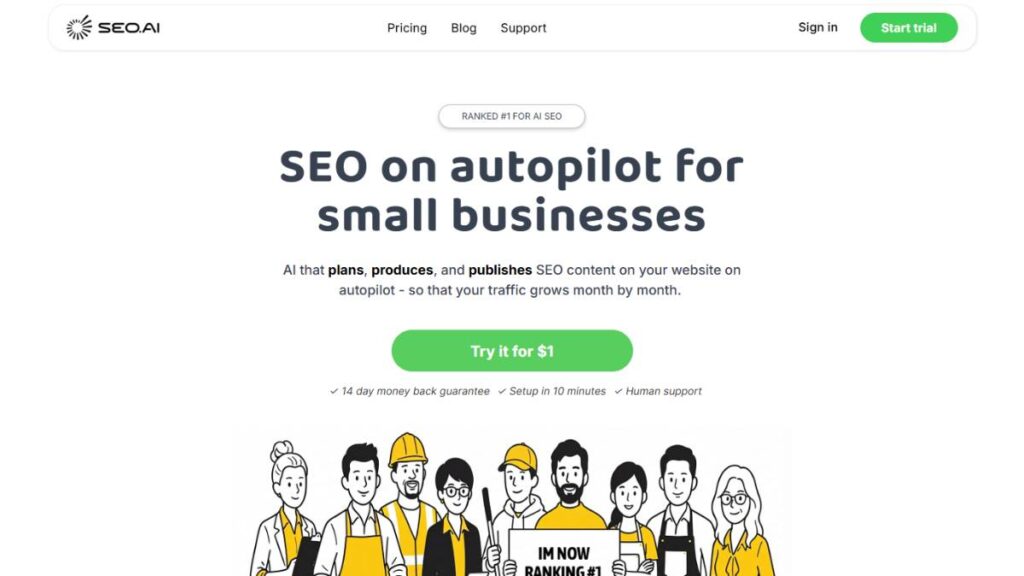
SEO.AI tends to make sense once product catalogs start getting out of hand. When hundreds or thousands of SKUs are involved, managing relevance manually becomes unrealistic. This platform leans heavily into feed structure and product-level optimisation, which is where many shopping campaigns quietly win or lose.
Merchant Center integration is solid, and the focus on keyword enrichment at the product level helps tighten intent without constant micromanagement.
Best fit: E-commerce advertisers with large catalogs who need order, not more dashboards.
2. Optmyzr – A Reliable All-Rounder for Serious Accounts
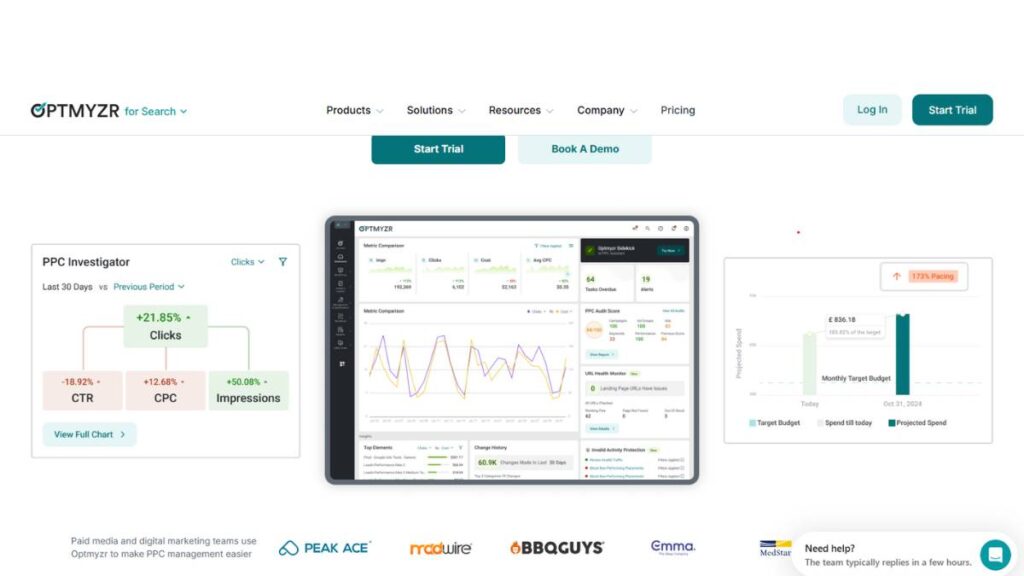
Optmyzr doesn’t try to be clever for the sake of it. It’s built for people who already understand Google Ads and want help executing faster and more consistently.
Rule-based automation, budget pacing, and detailed reporting work together nicely. Nothing feels bolted on. It scales well, especially across multiple accounts, without forcing teams into rigid workflows.
Best fit: Agencies and in-house teams managing large or complex accounts.
3. WordStream PPC Advisor – Keeps Small Teams on Track
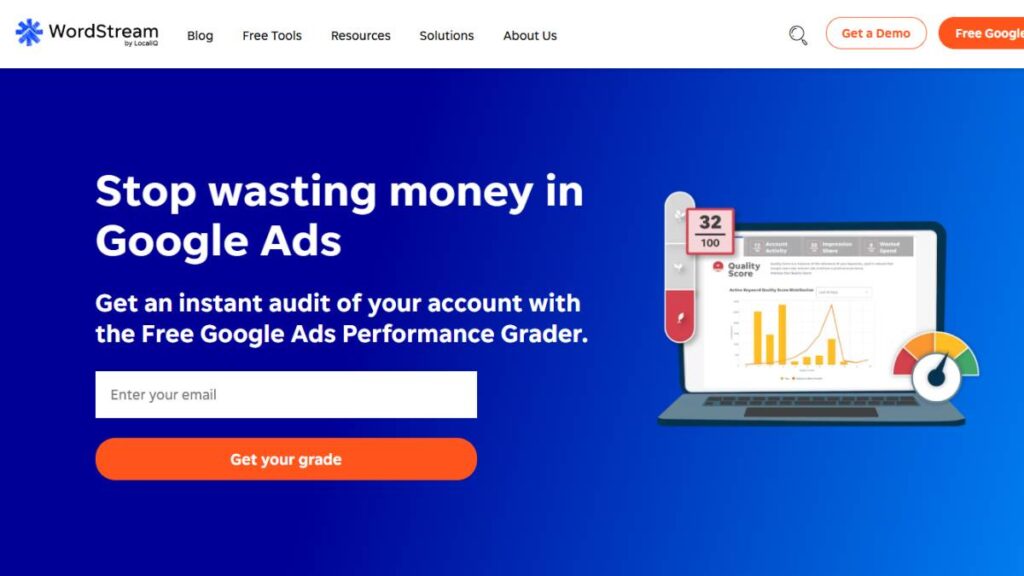
WordStream works because it removes friction. Instead of asking users to interpret endless metrics, it translates accounts into tasks. What needs attention this week? What can wait?
That structure helps smaller teams stay disciplined, especially when paid ads aren’t their only responsibility.
Best fit: Small businesses and marketers who want direction, not depth.
4. Google Ads Editor – Still the Fastest Way to Make Big Changes
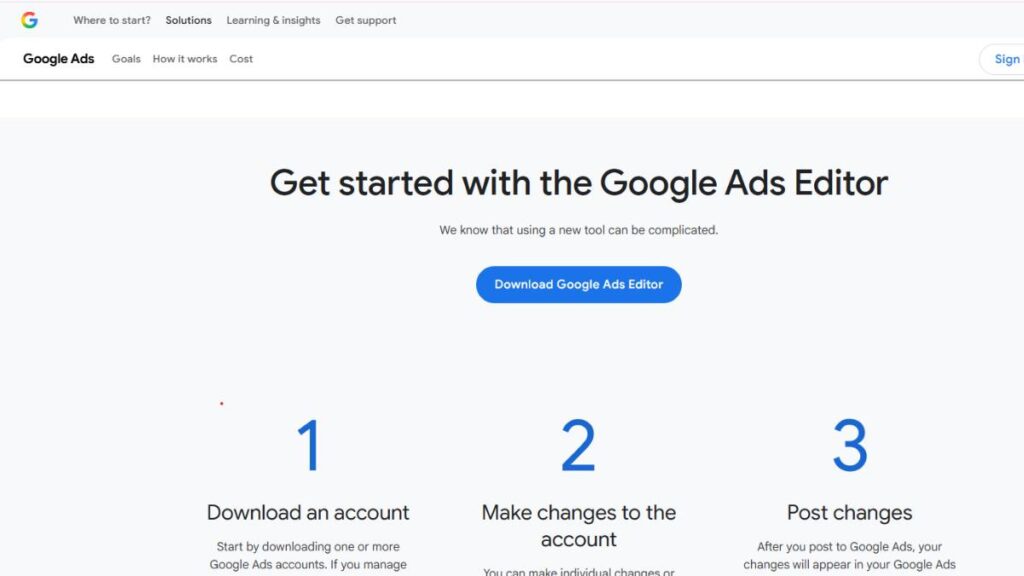
Google Ads Editor doesn’t get much attention anymore, but it’s still essential. When accounts need restructuring, mass edits, or quick launches, nothing beats offline control.
It’s not an optimisation platform. It’s a utility. And a very good one.
Best fit: Anyone managing scale who needs speed and precision.
5. SEMrush – Competitive Context, Not Day-to-Day Control
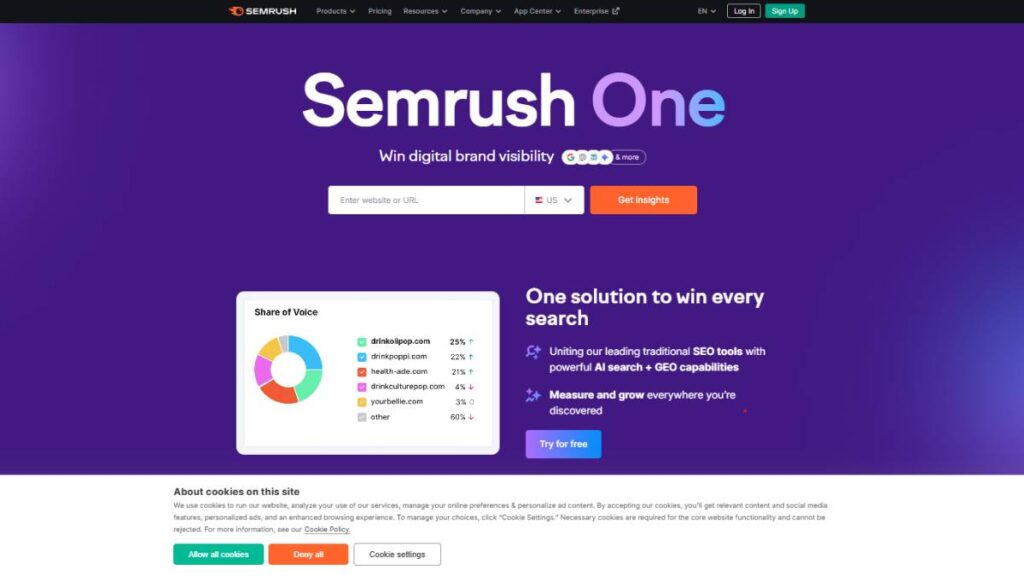
SEMrush is less about running campaigns and more about understanding the environment around them. What competitors are bidding on. How aggressive they are. Where gaps exist.
It’s especially useful during planning phases or when entering new markets.
Best fit: Marketers who want stronger competitive insight before scaling spend.
6. Adzooma – Straightforward Optimisation Without the Noise
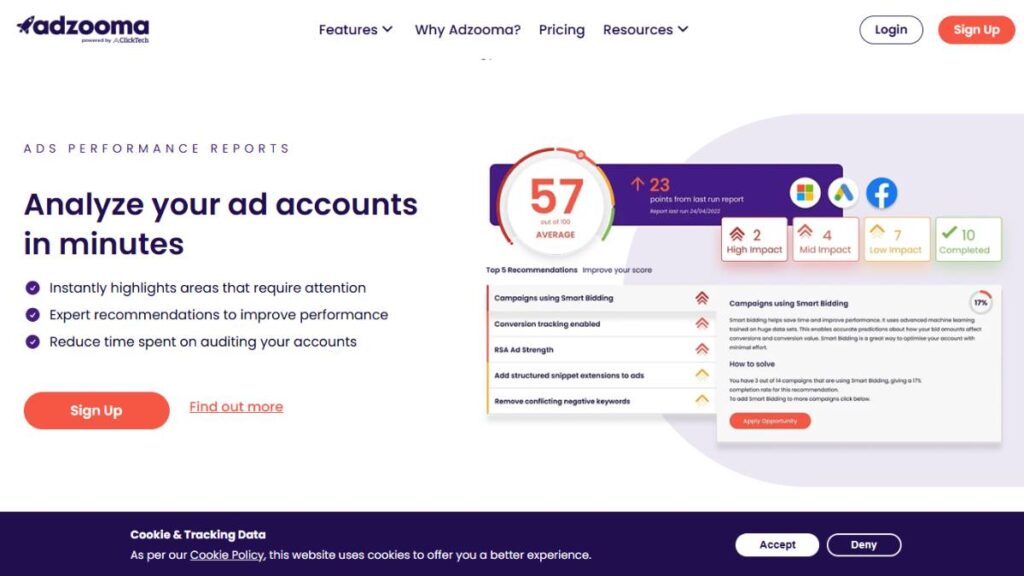
Adzooma keeps things simple. Clean dashboards. Clear recommendations. Minimal setup.
It doesn’t dig deep into custom logic or advanced workflows, but that’s often the point. For growing accounts, it keeps optimisation manageable.
Best fit: Businesses that want clarity without complexity.
7. Acquisio – Strong for Local and Multi-Location Advertising
Acquisio performs well when accounts are spread across locations or regions. Bid adjustments, offline conversion tracking, and multi-platform support help maintain consistency at scale.
Local advertisers tend to benefit the most here.
Best fit: Franchises, local businesses, and region-based advertisers.
8. AdEspresso by Hootsuite – Where Testing Actually Feels Easy
AdEspresso is at its best when creative testing matters. It simplifies A/B testing across search and social, making iteration faster and more structured.
Reporting is clean, which helps connect performance back to creative decisions.
Best fit: Teams focused on testing ads, not just managing bids.
9. MarinOne – Designed for Retail and Inventory-Led Campaigns
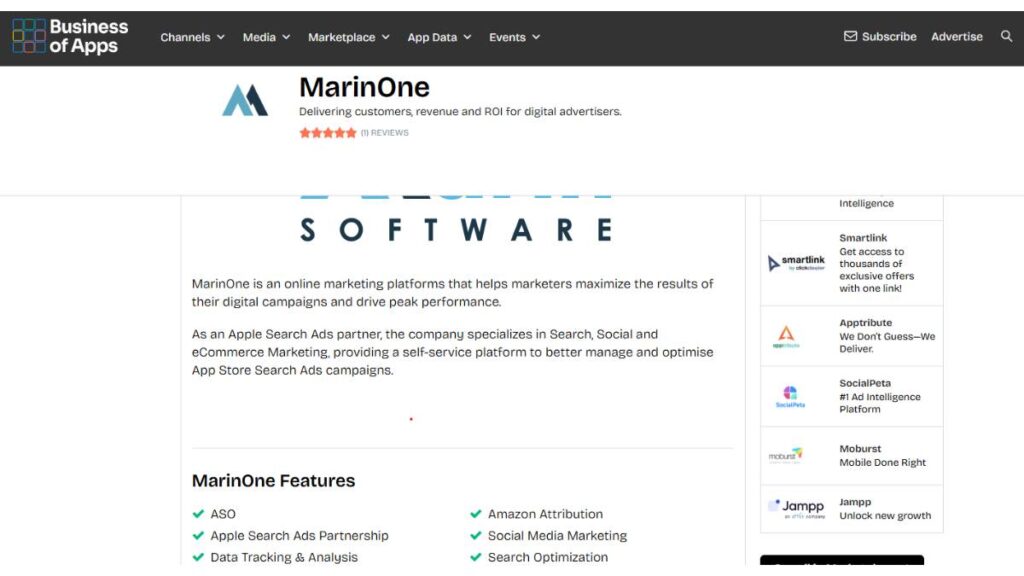
MarinOne works well when paid media spans search, social, and marketplaces. Inventory sync and product-based automation reduce friction when managing multiple channels at once.
Budget shifts feel more intentional when everything lives in one system.
Best fit: Retail and e-commerce brands running multi-channel campaigns.
10. SpyFu – Learn From What’s Already Working
SpyFu doesn’t manage campaigns. It explains them, specifically, competitors’ campaigns. Seeing which ads stick around and which keywords get repeated tells a story.
It’s a useful context, especially when testing new ideas.
Best fit: Advertisers who want to reduce guesswork through competitive insight.
11. Shape.io (Ninjacat) – Forecasting and Client-Facing Clarity
Shape.io shines when reporting and forecasting matter as much as performance. Budget pacing visuals and multi-client dashboards make it easier to manage expectations.
It’s less about optimisation and more about planning and communication.
Best fit: Agencies handling multiple clients and budgets.
12. Skai (formerly Kenshoo) – Built for Enterprise Complexity
Skai is unapologetically enterprise-focused. Large budgets, multiple channels, retail media; this is where it operates comfortably.
It assumes experienced teams and structured processes.
Best fit: Enterprise advertisers managing significant spend across platforms.
13. TrueClicks – Keeps Accounts Clean and Spend Under Control
TrueClicks focuses on auditing and pacing. It flags issues early and helps prevent wasted spend that often goes unnoticed.
It’s quiet, but effective.
Best fit: Advertisers who want consistent oversight without extra workload.
14. AdsWizard – Growing Focus on Automated Campaign Types
AdsWizard is newer, but it’s paying attention to how campaigns are evolving. Performance Max support and real-time alerts help teams stay aware when control is limited.
Still developing, but moving in the right direction.
Best fit: Advertisers leaning into highly automated campaign formats.
15. Opteo – Always Watching, Rarely Interrupting
Opteo doesn’t demand attention. It monitors accounts continuously and flags what actually matters. That alone makes it valuable.
Instead of living inside dashboards, teams get nudged when action is needed.
Best fit: Advertisers who want insight without another platform to babysit.
Best Google Ads Management Software by Use Case
Most advertisers don’t fail because they picked a “bad” tool. They fail because they picked the wrong tool for how they actually work. Budget size, team structure, and campaign complexity matter more than feature lists. Matching software to intent makes decisions easier and outcomes better.
1. Best Google Ads Management Software for Small Businesses
Small businesses usually need clarity before control. Limited budgets don’t leave room for experimentation that drags on too long, and time is often tighter than the budget. Tools that simplify decision-making tend to perform better here than platforms built for deep customization.
Simple dashboards help keep focus on what’s working and what’s not. Guided optimizations reduce guesswork. The goal isn’t perfection. It’s consistency.
WordStream, Adzooma, and Opteo fit well because they surface priorities instead of overwhelming users with data. They help avoid obvious mistakes and keep campaigns moving in the right direction without demanding daily oversight.

Apply Now: AI-Powered Performance Marketing Course
2. Best Google Ads Management Software for Agencies
Agencies live and die by efficiency. Managing multiple accounts means switching context constantly, and small inefficiencies add up fast. The best tools here reduce repetition and improve visibility across clients without flattening everything into one-size-fits-all reporting.
Multi-account views, bulk actions, and workflow automation matter more than flashy features. White-label reporting also plays a role, not just for presentation, but for keeping communication clean and professional.
Optmyzr, Shape.io, and MarinOne are commonly used because they scale with agency operations. They support growth without forcing teams to rebuild processes every few months.
3. Best Google Ads Software for Enterprise & Large Ad Spends
At the enterprise level, scale changes everything. Campaign decisions ripple across regions, channels, and product lines. Manual oversight stops being realistic, and forecasting becomes just as important as performance.
Enterprise teams usually need deeper integrations, advanced budget control, and the ability to coordinate spend across multiple platforms. There’s less tolerance for surprises.
Skai, MarinOne, and Acquisio are better suited for this environment because they’re built to handle volume, complexity, and long planning cycles without losing control.
4. Best Google Ads Management Software for E-commerce
E-commerce advertising behaves differently. Product availability changes. Margins fluctuate. One strong SKU can carry an account for weeks, then disappear overnight.
Tools that understand product feeds, shopping campaigns, and Performance Max tend to perform better here. Visibility at the product level matters just as much as campaign-level reporting.
SEO.AI, SEMrush, and MarinOne work well for e-commerce brands because they connect product data with campaign execution, making optimization feel grounded in reality instead of guesswork.
5. Best AI-Powered Google Ads Optimization Tools
Some teams want constant oversight without constant manual work. That’s where monitoring-focused platforms shine. These tools watch accounts closely and speak up when something needs attention.
Predictive budget allocation, automated insights, and real-time alerts help prevent slow leaks that quietly hurt performance. They don’t replace strategy, but they support it.
Optmyzr, AdsWizard, and Opteo fit well for teams that value timely signals over endless dashboards.
How to Choose the Right Google Ads Management Software
Choosing software isn’t a technical decision. It’s an operational one. The right tool fits into how teams already work, or how they realistically want to work six months from now.
A few questions tend to clarify things quickly:
- How often does someone actually review campaigns?
- How many accounts or campaigns are being managed?
- Is the biggest challenge execution, insight, or reporting?
Matching features to goals matters more than chasing the “most advanced” platform. Automation helps when scale exists. Reporting matters when decisions depend on it. Workflow tools save time when repetition becomes a problem.
Common mistakes usually show up early. Overbuying complexity. Ignoring learning curves. Choosing based on demos instead of day-to-day needs. Software should reduce friction, not introduce new ones.
A simple checklist helps:
- Does this tool save time where time is currently lost?
- Does it surface issues early or late?
- Can the team realistically use it consistently?
If the answer to those is unclear, the tool probably isn’t the right fit.
How to Set Up Your Google Ads Management Workflow
Good software won’t fix a broken workflow. It will amplify it.
The foundation starts with clarity. What metrics actually matter? Which actions should happen daily, weekly, and monthly? Without those answers, even the best platform turns into noise.
Automation works best when guardrails exist. Budget rules, alerts, and thresholds should reflect real business priorities, not generic benchmarks. That keeps control intact even when systems move fast.
Dashboards should be lean. A few key KPIs that signal health. Everything else can live deeper in reports. If a metric doesn’t change behavior, it probably doesn’t belong on the main screen.
Integrations matter more over time. Connecting analytics, CRM data, and conversion tracking gives context to performance numbers. Without that, optimisation stays shallow.
The strongest workflows feel boring when they work. That’s usually a good sign.
Advanced Tips for Staying Visible as Search Keeps Changing
Search results don’t reward scattered thinking anymore. Content that performs well tends to feel complete, not rushed. One idea leads naturally to the next. That matters here.
Internal linking works best when it mirrors how someone actually thinks through a problem. A reader learning about Google Ads software will almost always want context: use cases, comparisons, and setup guidance. Connecting those dots inside the content keeps things grounded and useful, not fragmented.
FAQs also carry more weight than they used to, especially when they’re written plainly. Short, direct answers. No fluff. When questions sound like something a real buyer would ask mid-decision, they tend to stick.
Topical depth matters more than clever phrasing. Covering Google Ads software as a system, tools, workflows, tradeoffs, limitations, and signals understanding. It shows the subject has been lived with, not skimmed.
Finally, intent matters. Someone researching tools is usually looking to reduce risk. Content that anticipates doubts, objections, and “what if this doesn’t work” moments tends to resonate longer than content that only highlights upsides.
Conclusion
Google Ads management software isn’t about chasing the newest platform or stacking features. It’s about control. Clarity. And making sure decisions aren’t being made blindly as accounts grow more complex.
Some tools are better for small teams trying to stay organized. Others are built for agencies juggling dozens of clients. Enterprise platforms solve an entirely different problem: coordination at scale. None of them is universally “best.” They’re situational.
The right choice usually becomes obvious once priorities are clear. Saving time. Reducing waste. Improving visibility. Scaling without chaos.
What matters most is staying adaptable. Paid advertising doesn’t slow down, and neither do the tools around it. Teams that review their setup regularly and aren’t afraid to switch when needs change tend to stay ahead without burning out.
FAQs: Google Ads Management Software
1. What is the best software for Google Ads management in 2026?
There isn’t a single answer. For small businesses, simplicity often wins. Agencies usually need automation and reporting depth. Enterprises prioritize scale and forecasting. The “best” tool depends on how accounts are managed day to day.
2. Do third-party tools still matter if Google offers built-in automation?
Yes. Built-in automation handles execution, but it doesn’t always offer clarity or context. External tools help interpret performance, manage workflows, and maintain control when automation becomes opaque.
3. How much should be budgeted for Google Ads management software?
Costs vary widely. Some tools charge based on ad spend, others on features or account volume. A good rule of thumb is to measure cost against time saved and wasted spend avoided, not just the monthly fee.
4. Can these tools manage Performance Max campaigns?
Many can, though not all, offer the same level of visibility. Some focus on monitoring and alerts, others on feed structure or budget control. The key is understanding what kind of oversight is actually needed for those campaigns.