

Product analytics tools; they’re not just charts and dashboards. They’re how you actually figure out what’s happening inside your product, the stuff that numbers alone don’t tell you. Clicks, feature usage, drop-offs, churn patterns; these tools catch it all. This post goes through what matters, how to pick a tool without overcomplicating things, and gives a tour of 15 solid options. It also digs into integrating analytics with roadmaps, experiments, and everyday decisions, so the data actually does something instead of just sitting there. Think of it as turning vague guesses into insights that can actually change how your product works.
Table of Contents
Introduction
What Are Product Analytics Tools? Definition & Scope
Product analytics tools are basically the stuff that lets you see what’s really happening inside a product. People click things, ignore things, bounce halfway through onboarding… all that chaos gets tracked. But here’s the catch: it’s not just about logging numbers. It’s about figuring out what actually matters. Patterns, odd behaviors, surprises; you notice the stuff that would otherwise stay hidden.
Imagine looking at a blurry photo of your users. Slowly, it sharpens. Suddenly, a feature you thought was a hit is barely touched. Another one, totally random, becomes the star. That’s where the real insight comes from: the messy, unpredictable stuff that actually drives decisions.
Why Product Analytics Tools Are Essential for Digital Products
Without them, teams are often guessing. Sometimes it works. Often, it doesn’t. The pitfalls are obvious: wasted effort, missed opportunities, chasing hunches. The upside? You get real answers:
- Which features are being used, and which are just taking up space?
- Where users stumble in onboarding or key flows.
- Who comes back, and who vanishes after a couple of days?
- Making choices based on actual behavior, not opinion or gut feelings.
Think of it like running a store blindfolded versus having cameras, counters, and sensors everywhere. One gives you a vague sense of what’s happening. The other shows the truth, messy as it is, but actionable.
Understanding Product Analytics: Core Concepts & Goals
User Behavior Tracking & Event Analytics Explained
Event tracking is all about capturing actions, but the key is being smart about it. Every click, tap, or abandoned step can tell a story. The trick is tracking consistently and looking for trends. Some things to pay attention to:
- Features people love vs. features they ignore.
- Where users hesitate or backtrack.
- Differences between new users and power users.
It’s not glamorous, but it’s where real insight lives. The difference between guessing and knowing is huge.
Funnel Analysis & Conversion Optimization
Funnels are underrated, honestly. They let you see how users move from one step to the next, like signing up, completing onboarding, or finishing a checkout. Funnels tell you exactly where people drop off.
Example: maybe 70% of people start onboarding, but only 35% finish. That’s not just a number; it’s a signal. Without funnels, you’re basically asking people, “Why didn’t you finish?” and hoping they answer honestly.
Retention Metrics & Cohort Analysis
Retention metrics are tricky if you just look at averages. Cohorts make it easier because you can group people by sign-up date, plan type, or behavior, and see how each group behaves over time. That’s where trends show up.
- Did onboarding tweaks actually improve retention?
- Are certain segments disappearing faster than others?
It’s not flashy, but it’s the kind of insight that keeps teams from chasing their tails.
Segmentation & User Lifecycle Tracking
Once you have behavior data, segmentation helps make sense of it. Not everyone should be treated the same. Look at:
- Power users vs. casual users.
- Free vs. paying users.
- Users who churn quickly vs. loyal users.
Segmentation lets you target interventions intelligently; nudges, tips, or feature highlights where they’ll actually make a difference.
How Product Analytics Tools Work
Real-Time Data Collection & Dashboards
Seeing data in real-time is kind of addicting. It’s one thing to know what happened last week, another to watch it happen live. Dashboards take all those raw events and make them understandable. Trends, spikes, weird anomalies; they all stand out.
That said, dashboards aren’t a magic wand. They give context, but someone still has to dig in, interpret, and figure out what to act on.
Session Replay & Heatmap Technologies
Numbers are one thing. Watching users navigate your product; that’s another. Session replays let you see exactly where someone hesitated or got confused. Heatmaps show which areas actually grab attention. Often, the results are surprising. Features that seem obvious to the team get ignored. Buttons you thought were clear get skipped. It’s the kind of insight that metrics alone never give you.
Integration with Other Systems (CRM, BI, CDPs)
Analytics is rarely useful in isolation. Connecting with CRM, BI tools, or customer data platforms multiplies value:
- Link product behavior with sales or support touchpoints.
- Build dashboards that people across the company actually use.
- Spot opportunities for more sophisticated analysis without wrestling spreadsheets.
Integration is what turns analytics from “nice to know” into something actionable for the business.
Choosing the Right Product Analytics Tool
Picking a tool can feel like a maze. There are so many options, and it’s tempting to chase the bells and whistles. A few things actually matter:
Key Features to Look For
- Event & Feature Tracking: You need to track the right actions.
- Funnels & Conversion Paths: The spot where people drop off.
- User Journey Visualization: Make paths understandable at a glance.
- Retention & Cohort Analysis: Track users over time and in groups.
- Custom Dashboards & Reports: Insights need to be digestible and usable.
Pricing Models
- Free or freemium options are useful for testing or small teams.
- Enterprise plans usually bring integrations, support, and advanced analytics.
Price is usually based on events tracked, active users, or features, so choose based on your scale, not just the flashy extras.
Implementation Approach
- Self-serve tools: Easier for teams to get started without engineering.
- Engineer-dependent tools: Offer more precision and customization but require setup time.
Data Governance, Security & Compliance
This isn’t optional. Make sure the tool meets regulations like GDPR or CCPA, and that your data is stored safely. Bad practices here can create headaches later, and that’s the last thing a busy team needs.
15 Best Product Analytics Tools
Choosing a product analytics tool is… honestly, a bit of a headache if you’re not careful. There are tons of options, each with its own quirks, pros, and weird little annoyances that only show up once you’re actually using it. Some tools look great on paper but fall apart when your product has hundreds of events or complicated flows. Others feel simple at first, but then you hit the limits and wish you’d gone for something more robust. Here’s a rundown of 15 tools that are worth a look, grouped by type, and a little reality check on each.
Enterprise & Advanced Analytics Platforms
Amplitude
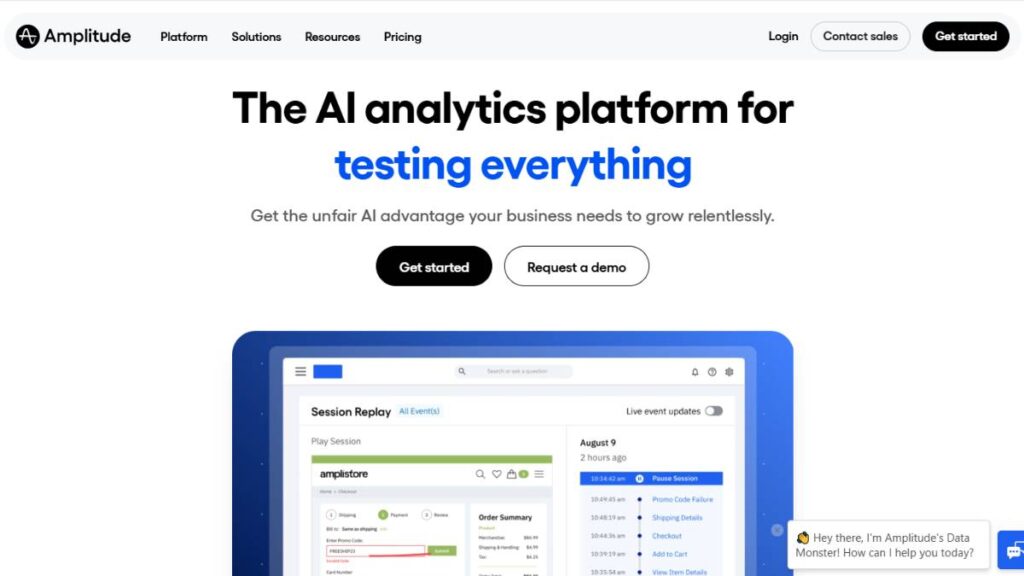
This one’s big in the enterprise space, and for good reason. You can track cohorts, retention, feature usage… basically, anything that shows what people are actually doing over time. The dashboards are dense, maybe too dense if you just want a quick answer. Predictive analytics can flag potential churn or engagement issues, which is nice, but it only works if your event setup is solid. Otherwise, you get a lot of noise. Best for teams ready to invest time upfront.
Mixpanel
Mixpanel feels like it’s built for people who want real-time clarity on funnels and conversions. You can see drop-offs immediately and act quickly. Setup can get confusing; if you’re not careful, you end up tracking too many events, and suddenly the dashboards are cluttered. Stick to what matters first, then layer in the rest.
Pendo
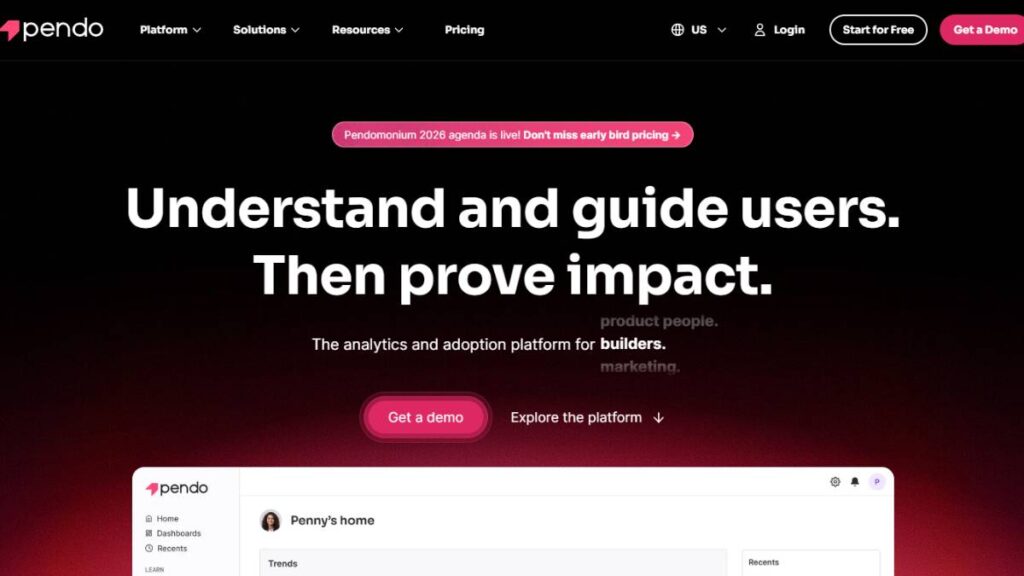
Combines analytics and in-app messaging. So, not only can you see what’s happening, but you can also guide users inside the app if something is being missed. It’s helpful if onboarding is rough or feature adoption is low. The reporting is sometimes heavy and slow, though, so it’s not perfect if you want quick answers. But having both engagement and analytics in one tool can save a lot of headaches.
Heap Analytics
Heap is interesting because it tries to capture everything automatically. No tagging every single event manually, which is great for small teams or products that change fast. On the flip side, if your product is very complex, some events get missed or misinterpreted, so you’ll still need to adjust. Good starting point, less painful than some of the other enterprise options.
FullStory
FullStory is all about watching users. Session replay is its bread and butter. You literally see how someone navigates the product, where they get stuck, or what’s confusing. Metrics alone won’t always show these problems. FullStory complements quantitative tools rather than replacing them.
Mid-Market & Developer-Focused Tools
PostHog
Open-source, self-hosted, very flexible. You can track anything you want, but the setup is… not trivial. Dashboards don’t come pre-baked; you build them yourself. It’s great if your team likes control and doesn’t mind tinkering. If you want plug-and-play, this might frustrate you.
Statsig
Focused on experimentation as much as analytics. Feature flags, A/B testing, and tracking all in one place. Perfect if your team is constantly iterating on features and wants to see immediate results. Small teams might not need all of it, though.
LogRocket
It’s like FullStory but with debugging baked in. Great for front-end-heavy products because you can see the exact steps that lead to an error. You get qualitative insight in real time, but don’t expect it to give huge quantitative trends; it’s more for understanding friction points.
Kissmetrics
Older but still useful. Really strong at following users across sessions. Helps with understanding retention over time and seeing which behaviors correlate with churn. Setup is more rigid than some modern tools, but the results are reliable if implemented correctly.
Countly
Privacy-focused, simple, works across web and mobile. It’s not fancy or flashy, but it’s solid if compliance is important. Real-time dashboards are clean and accessible, which is helpful for day-to-day monitoring without diving into overly complicated setups.
Specialized & Emerging Analytics Tools
Whatfix
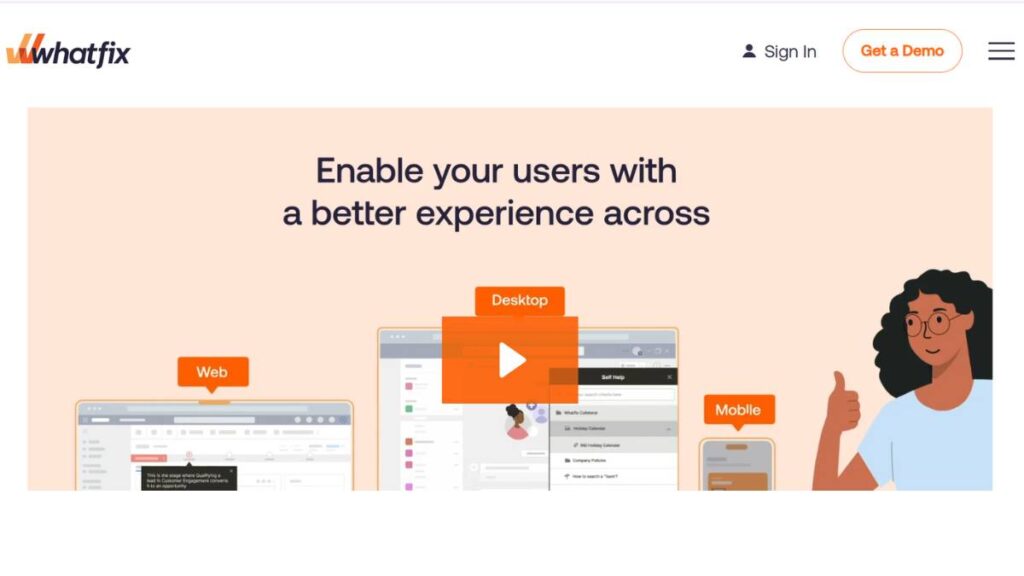
Analytics plus in-app guidance. Great for onboarding or feature adoption issues. You see where people stumble and can show tips or walkthroughs inside the product. The analytics themselves aren’t deep like Amplitude or Mixpanel, but the actionability is immediate.
Contentsquare
Very UX-focused. Heatmaps, engagement scores, and path analysis are all designed to show where users hesitate or drop off. The insights are clear, but pricing can be steep. Worth it if user experience directly impacts business metrics.
Adobe Analytics
Enterprise beast. Handles massive datasets and integrates with other Adobe marketing tools. Extremely powerful, but complicated. Teams need patience and training to make full use of it. Best for large-scale products that need cross-platform insight.
UXCam

Mobile-first. Session replay, heatmaps, and frustration metrics. Perfect for seeing how mobile users navigate and where they struggle. Simple to get started, but the deeper insights require patience to analyze.
Zoho Apptics
Straightforward, cost-effective, privacy-conscious. Not as flashy or deep as the enterprise tools, but it covers the basics reliably. Great for small or mid-sized apps that need metrics without overcomplicating things.

Enroll Now: Product Marketing Course
Product Analytics Use Cases & Metrics That Matter
Metrics only matter if they tell you something you can act on. Otherwise, it’s just numbers, pretty charts, and dashboards no one looks at. There’s a big difference between tracking for the sake of it and tracking to actually improve your product.
Feature adoption
Everyone thinks features get used because they exist. Nope. You build something shiny, and nobody clicks it. Analytics shows what people actually touch, how often, and in what order. Sometimes the problem isn’t the feature; it’s the flow. Maybe it’s buried in a menu. Maybe users don’t notice it. Tracking adoption helps figure that out.
Onboarding & time-to-value
First impressions matter more than anything else. If users don’t see value fast, they leave. Analytics shows where they drop off in the first few sessions, how long it takes them to reach the “aha moment,” and what might be slowing them down. Small tweaks, like rearranging a step or changing wording, can make a huge difference.
Funnels & drop-off points
Funnels are great because they show exactly where people quit. Signup flows, checkout, first-use flows; anywhere there’s friction. Often, the problem isn’t what you expect. Funnels highlight the pain points so you can act, test fixes, and watch the numbers again.
Retention & cohort analysis
Retention is tricky. Overall numbers are misleading. Break it down by cohorts: new vs. old users, free vs. paid, active vs. dormant. You’ll see patterns emerge. Cohorts tell you which groups need nudges, new flows, or better guidance. Without this, retention initiatives are basically guessing.
The takeaway: metrics are useless unless they guide action. Numbers without context don’t change a thing.
Integrating Product Analytics With Your Tech Stack
Analytics is only useful if it actually feeds decisions. If it sits in a dashboard nobody checks, it’s wasted effort. Integration is key.
Linking to product roadmaps
Your roadmap shouldn’t be a list of assumptions. Analytics tells you what users actually do. Are new features being used? Are existing flows confusing? Linking analytics to roadmaps makes product decisions evidence-based, not opinion-based.
Connecting to customer data platforms (CDPs)
Behavior is one piece of the puzzle. Marketing touchpoints, support tickets, past purchases; they matter too. Pulling all that together shows why things happen, not just what happens. It also stops teams from making decisions in silos.
Feeding experiments & feature flags
A/B tests are pointless without proper measurement. Analytics tells you if changes actually move the needle. Feature flags plus analytics let you experiment safely and see results fast. Without integration, experiments are just guesswork.
The real point: integration isn’t just technical. It’s about making insights part of the workflow so people can act.
Future of Product Analytics Tools
Analytics is changing. It’s not just about dashboards anymore. The future is real-time insights, predictive nudges, and catching problems early.
Predictive behavior
Some tools can forecast churn or engagement trends. Not perfectly, but enough to guide focus. Think of it as a heads-up; you still need human judgment.
Automated anomaly detection
Manual monitoring is slow and boring. Automated alerts flag weird spikes or drops in behavior immediately. That means you catch problems before they turn into big disasters.
Real-time optimization & personalization
The next step is acting while users are still in the product. Personalized experiences, nudges, recommendations; live. Shortens feedback loops, helps retention, and makes users feel like the product “gets them.”
Bottom line: analytics is becoming a tool for action, not just observation. Teams that embrace this can actually shape behavior, retention, and growth; not just watch it happen.
Conclusion:
Choosing a product analytics tool isn’t just checking a box or picking the flashiest name. It’s something that can actually change how your team thinks about users and make decisions that stick.
The key is this: analytics should tell you what’s really happening in the product, not just what you hope is happening. Numbers without context? Useless. Charts without follow-up? Just decoration.
Some quick thoughts to keep in mind:
- Tools differ a lot. Big teams often need heavy-duty platforms like Amplitude or Adobe Analytics because they handle complex flows and integrations. Smaller teams? Something simpler, maybe PostHog or Countly, is easier to manage without overcomplicating things.
- Integration matters more than people realize. If analytics sits in a silo, it won’t help decisions. Connecting it to your roadmap, CDPs, or experimentation tools makes insights actionable.
- Metrics only work if they lead to action. Funnels, cohorts, retention; they’re meaningless unless they guide actual fixes, tweaks, or improvements.
At the end of the day, good product analytics isn’t just a reporting tool. It’s a way to reduce guesswork, refine the user experience, and drive product-led growth. Ignore that, and you’re flying blind.
FAQs:
1. What’s the best product analytics tool for SaaS?
Depends on what you need. Big platforms like Amplitude and Mixpanel cover complex funnels and retention well, but small SaaS teams often get more mileage from lighter tools like PostHog or Countly. Scale and resources matter more than “brand.”
2. How do product analytics tools improve user engagement?
By showing exactly what users touch, or ignore. That helps teams tweak flows, nudge users, and highlight features that matter. Engagement isn’t magic; it’s behavior-informed design.
3. What features should a product analytics tool have?
Event tracking, funnels, retention analysis, and user journey mapping. Bonus if it plays well with other tools: CDPs, BI dashboards, experimentation platforms. Without integration, insights tend to sit idle.
4. What’s the difference between product analytics and marketing analytics?
Product analytics = behavior inside the app or product. Marketing analytics = behavior outside the product: campaigns, acquisition, ads. Both matter, but don’t mix them up.
5. Are product analytics tools only for SaaS companies?
Nope. Any digital product, apps, web platforms, or e-commerce benefits from understanding user behavior and improving experiences based on data.
6. Do product analytics tools require coding?
Some do, some don’t. Tools like Heap or Mixpanel have automatic tracking; others, especially open-source or self-hosted platforms, require engineering support.
7. How do these tools improve retention?
By showing patterns in usage, drop-offs, and engagement. Cohorts reveal which users stick and which churn. Then you can intervene: messaging, onboarding, new features, before it’s too late.
8. Can they integrate with data warehouses or BI tools?
Yes. Integration lets you combine product data with other business data for richer insights. Without it, analysis stays shallow and piecemeal.
9. How can analytics help with onboarding?
Track each step users take, where they pause, and where they abandon. That lets teams simplify flows, fix pain points, and get people to the “aha moment” faster.
10. Why use session replays or heatmaps?
Numbers tell you what’s happening. Session replays tell you why. Heatmaps show where users click, scroll, or hesitate. Together, they make UX issues obvious.
11. How should small teams pick a tool without overcomplicating things?
Focus on core functionality, ease of use, and integrations you already need. Avoid heavy enterprise platforms unless your scale demands it; otherwise, you’ll waste time and resources.